
Top 9 Softr Alternatives in 2026


If you are searching for Softr alternatives, you are probably in one of two situations.
- Softr helped you get something live fast, and now you want more control as you scale.
- You like the idea of a data driven app builder, but you want a better fit for your use case.
Softr describes itself as a no code platform for building secure, data driven business apps quickly, by connecting your data and sharing apps with a team or clients. It is a solid option for many projects. But Softr also notes that some teams look for other tools when they need offline mobile access, custom coded layouts, or more advanced native workflows.
This guide is designed to help you pick a Softr alternative without overthinking it. It is neutral, practical, and written for buyers who want to choose a tool and move on.
What to look for in a Softr alternative
Before you pick from a long list of Softr alternatives, decide what matters most to you. Here is a quick checklist you can actually use.
- Your primary use case
Are you building a client portal, an internal tool, a lightweight CRM, a directory, or a full product? Softr itself talks about these common app types. Your best alternative depends on which one is your main job. - Data complexity
Some teams switch when they hit limits around data modeling, permissions, and app logic. If your data is getting more relational and your rules are getting more specific, prioritize tools with stronger structure. - Roles and permissions
If you have multiple roles, like clients, staff, and partners, permissions will make or break the experience. Make sure you can control access without building a pile of workarounds. - Workflows and automation
Do you need basic notifications, or do you need real workflows with branching logic? Softr highlights that advanced workflows can be a reason to explore alternatives. - Mobile and offline needs
If your team works on phones, or in places with spotty signal, this becomes a big deal. Softr explicitly calls out offline mobile access as a reason some teams evaluate other tools. - Client experience and branding
If clients log in, upload documents, and message you, the portal has to feel trustworthy. Branding and a clean client experience matter more than an extra widget.
Best Softr alternatives, ranked
Below are the Softr competitors that come up most often across comparison guides, plus a simple reason to pick each one. Foyer is listed first on purpose, because it is the strongest fit when your project is client portal software.
1. Foyer
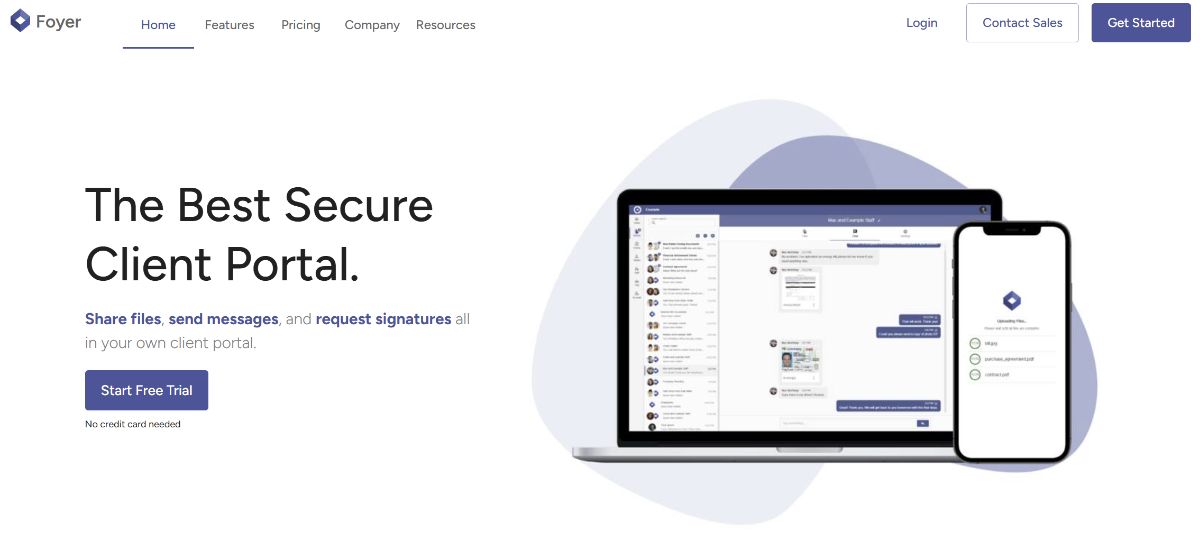
Best for: secure client portals for service businesses
If your main use case is a client portal, Foyer is the number one Softr alternative to evaluate first. A client portal is usually a dedicated website where clients can access important documents, upload files, sign contracts, and communicate with your team.
Foyer is built around that portal experience. It is positioned as a secure, branded hub where clients can share documents and chat with your team inside a custom portal.
Why teams pick Foyer as their Softr alternative:
- Portal first design, built for client interactions and document exchange.
- Clear emphasis on secure file sharing and real time messaging.
- White label branding so the portal looks like your business, not a generic tool.
Helpful next reads on usefoyer.com:
If you want to see what a modern portal can look like across different industries, check out these customer portal examples. You can also explore the client portal feature overview for a quick feel of the core portal workflow.
When Foyer might not be the best fit: if you are building a highly custom public web app, like a marketplace, social network, or a product with complex front-end interactions, a general-purpose app builder like Bubble may be a better match.
2. Noloco
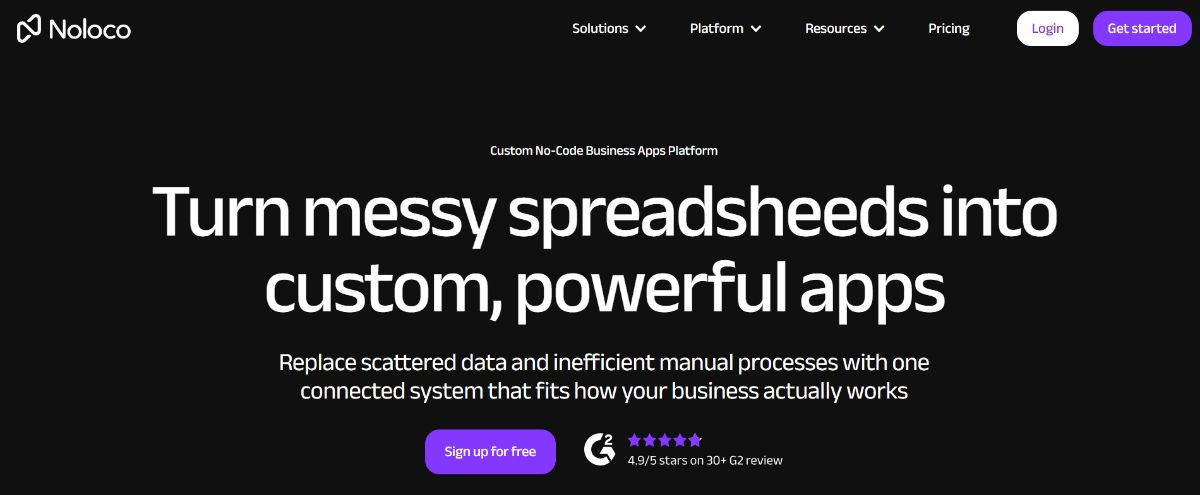
Best for: internal tools and CRMs with more structure
If your portal is turning into a full internal system, Noloco is worth considering. One overview of Softr alternatives frames Softr as a great starting point, especially for portals on Airtable, but says teams may look for alternatives as processes get more complex and they need stronger permissions and app logic.
Pick Noloco when you want a no code builder that stays business friendly, but gives you more room to grow as roles, rules, and workflows expand.
3. Bubble
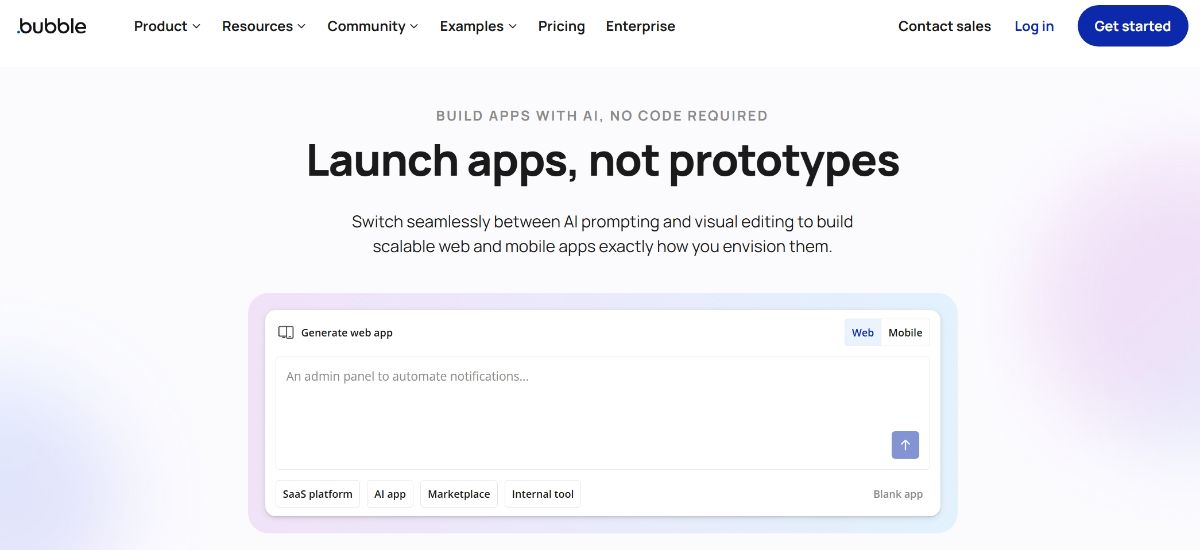
Best for: custom web apps and full products
Bubble is a common recommendation when you are building a real product, like a marketplace or SaaS app. Softr itself notes that tools like Bubble can offer deeper backend control and customization for these builds, with a steeper learning curve and more setup time.
Pick Bubble if your app is a core revenue driver and you are ready to invest in flexibility.
4. Glide
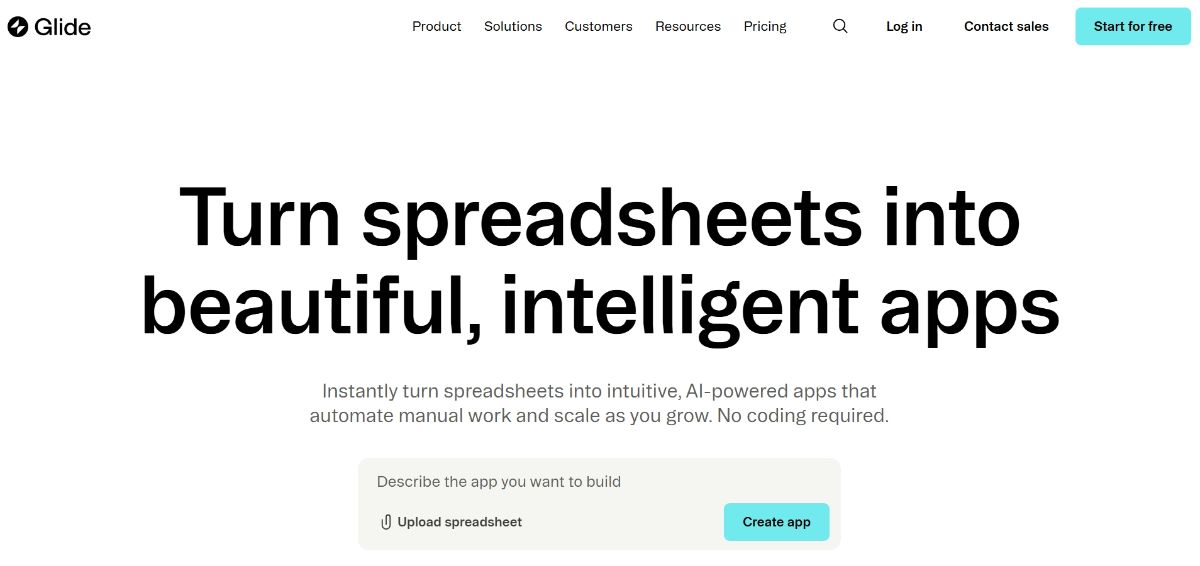
Best for: mobile friendly apps built from spreadsheets
Glide is a strong Softr alternative when your data starts in a spreadsheet and you want a mobile first experience. One competitor roundup highlights Glide for mobile first, data driven apps and spreadsheet style integrations.
Pick Glide if you want your team using the app on phones fast, without a heavy build cycle.
5. Retool
Best for: internal tools for more technical teams
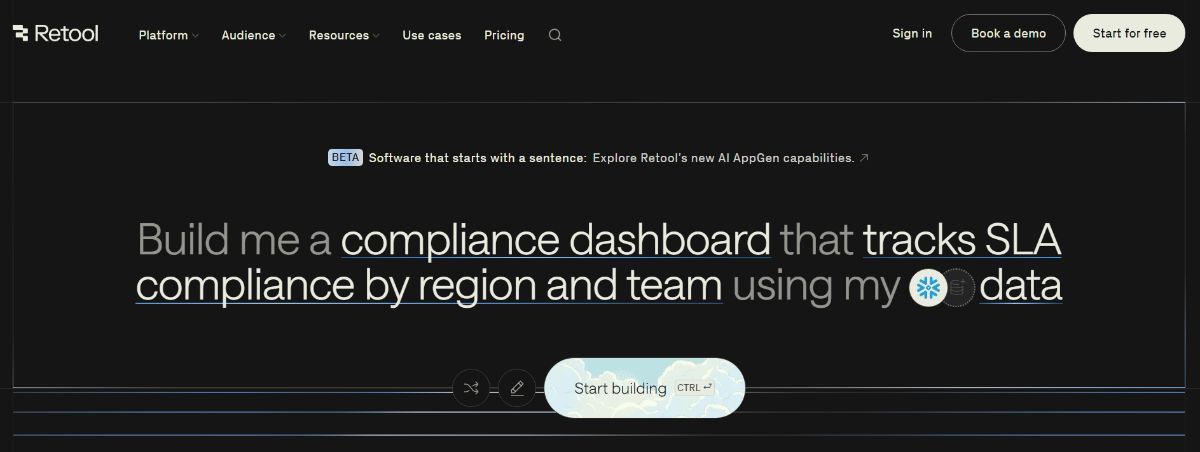
Retool is usually the pick when you have technical operators or developers and you want to build internal tools quickly with strong integrations. Softr points to Retool as an option that can provide deeper backend control and customization for more complex builds, but with a steeper learning curve.
Pick Retool if your project is internal only and your team is comfortable with a more technical setup.
6. Stacker
Best for: portals built around Airtable data
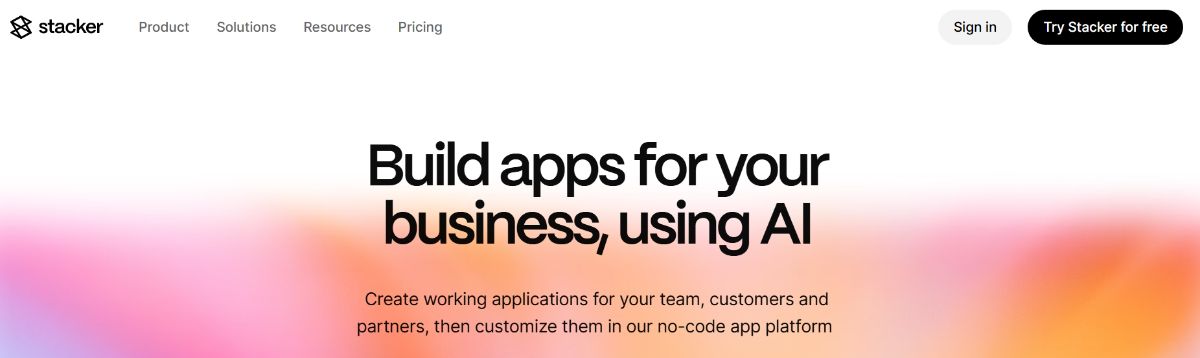
If you like the portal concept and you are heavily invested in Airtable as your backend, Stacker often appears as another option in this space. One guide suggests Stacker as a good fit for secure client portals built on Airtable.
Pick Stacker if you want to stay close to Airtable and keep the build focused on portal and directory patterns.
7. Webflow
Best for: marketing sites with strong design control
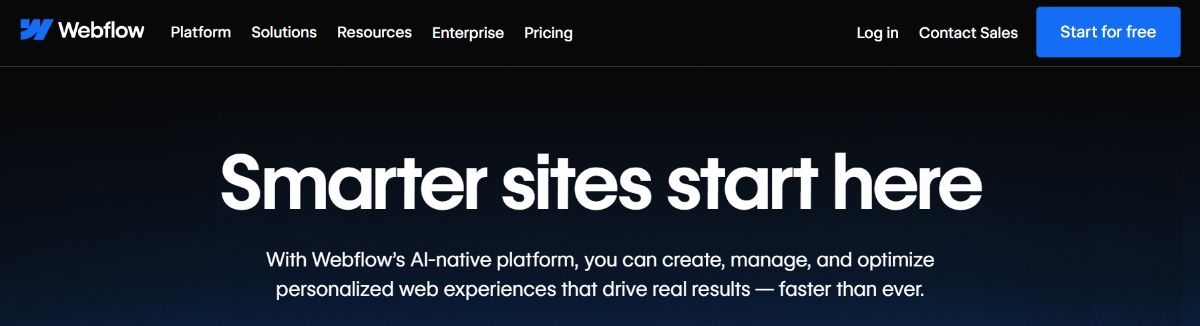
Sometimes people search Softr alternatives because they actually need better website design control, not a different database app builder. Webflow is commonly mentioned in Softr competitor comparisons for teams that want more control over layout and site design.
Pick Webflow if your main goal is a marketing site and you do not need complex logged in workflows.
8. Elementor and WordPress
Best for: Wordpress sites with a flexible page builder
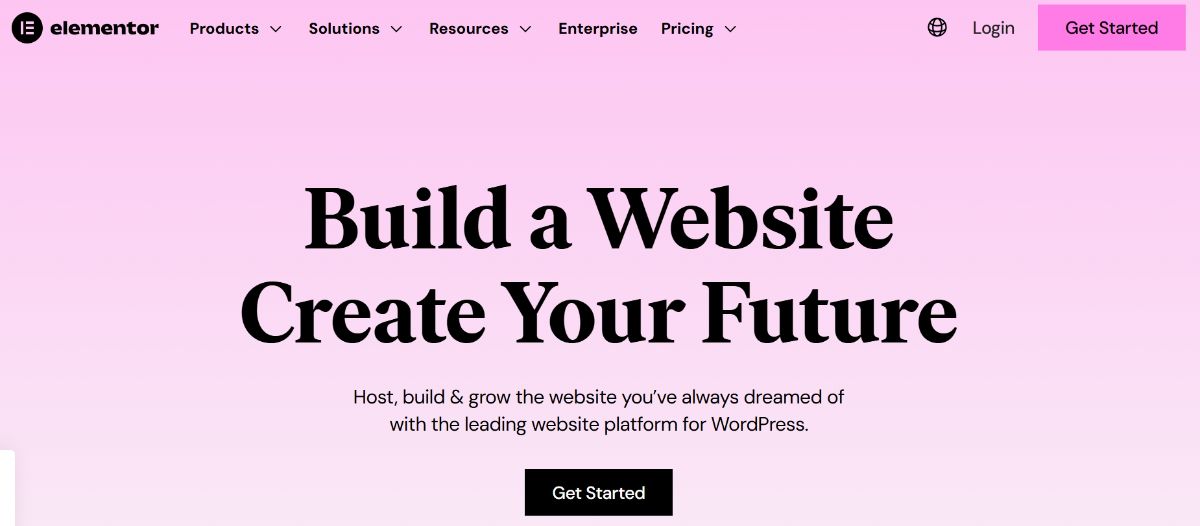
Elementor publishes its own list of Softr alternatives aimed at website creation. If your Softr project is mostly a website, and you want WordPress plugins and themes, Elementor can be a practical alternative.
Pick Elementor if you want a powerful page builder, a big ecosystem, and you are not building a portal heavy workflow.
9. Airtable

Best for: strengthening your data layer first
Some teams should not switch the front end first. If the real pain is your data structure and operations, improving your base can unlock a lot. One guide describes Airtable as a hybrid of spreadsheet simplicity and database power, often used for workflows like CRM and project management.
Pick Airtable if you want to clean up your data and processes, then decide what front end or portal experience you need next.
Softr io alternative: choose based on your workflow
People often search for a Softr io alternative when the first version of a tool does not match the second version of their business. Here is a simple decision guide.
- If clients need a login, document sharing, and messaging, start with Foyer.
- If you are building a full product with complex logic, start with Bubble.
- If you need mobile operations tied to spreadsheet data, start with Glide.
- If you are building internal tools with a technical team, start with Retool.
- If you mainly want a marketing site, start with Webflow or Elementor.
How to switch from Softr without a messy migration
No matter which Softr alternative you choose, migrations go smoother when you keep it simple.
Step 1. Document your current app
List your key pages, your data source, and your user roles. Focus on what gets used weekly.
Step 2. Rebuild the smallest valuable flow
Rebuild only the core journey first, like intake to approval, or file request to upload and review. Do not chase every edge case on day one.
Step 3. Run a short parallel test
Invite a small group of users, keep Softr running, and validate that permissions, notifications, and day to day usage feel right.
FAQ
Is Foyer the best Softr alternative
If your main project is a client portal, Foyer is a strong number one pick. It is positioned around secure client portals with file sharing and messaging inside a branded hub. If you are building a full product or a highly custom app, another tool may be a better fit.
Should I switch if Softr works today
Not always. Softr is designed for fast, no code launches of secure, data driven apps. Switching tends to make sense when your requirements change, like needing a different client experience, deeper workflows, or more control over design and data.
What is a good next step if I want a portal
Get clear on what your portal must do. A portal is often a secure place to share information and work together, like a private website for your business and clients. If that matches your need, start with Foyer and use a simple checklist before you commit.
Next steps
If you want the quickest path to a portal that clients will actually use, start by trialing Foyer client portal features and building a simple first version: a login page, a place to upload documents, and a clear way to message your team. Foyer highlights a free start with no credit card needed, so it is easy to validate the fit before you migrate everything.
If you are still deciding on the best client portal software, pick two options from this list, test the same workflow in both, and choose the one that feels simplest for your real users.