
6 best free client portal software (2026)

Finding reliable free client portal software can feel tricky. Many tools promise "free" access, but often it's just a short trial or a limited version that pushes you to pay quickly.
If you're running a small business, agency, or freelance operation, good client portal software option can eliminate endless email chains, lost files, and constant "where's that document?" questions. It gives your clients a simple, secure spot to view files, upload documents, message you, and track progress, all under your branding.
In this guide, we'll focus on truly free options (no time limits, though with reasonable feature caps). We'll compare the top free client portals available in 2026, with honest pros, cons, and limitations.
Quick spoiler: Foyer stands out as our top pick for most users wanting a professional, secure, and easy-to-use free customer portal software. If you want the quick overview of what a modern client portal should include, see our client portal features page, or check out the top best client portal software.
What "Free Client Portal Software" Really Means
A true free client portal should have:
- A free plan with no expiration date (not just a 14-day trial)
- Core features like secure file sharing, client logins, and basic communication
- No credit card required to start
Trials don't count here, we're looking for "free forever" plans. Many tools offer generous free tiers, but they often limit users, storage, or advanced features like custom branding.
High Level Comparison
Here’s the fastest way to narrow your options:
Tool | Is there a free plan with no time limit? | Best for | Biggest “free” limitation to check |
|---|---|---|---|
Foyer | Yes | Agencies + small businesses that want a clean portal | Which features are included in the free plan vs paid add-ons |
Zendo | Yes | Agencies/service pros who want an all-in-one portal | Which “white label” features are paid tiers |
Softr | Yes (template + free tier) | No-code builders | Limits on portals/users (often capped on free) |
Aligned | Yes | Sales/client rooms | Rooms are capped on free (Zendo lists 4) |
Ahsuite | Yes | Embed-friendly portals | Portal count and UX limitations (Zendo lists 10 portals) |
SuperOkay | Yes | Testing portal UX | Very limited on free (Zendo notes 1 client) |
Free Tier Feature Comparison Table
Free plan detail | Foyer | Zendo | Softr | Aligned | Ahsuite | SuperOkay |
|---|---|---|---|---|---|---|
Internal users / seats | 1 | 1 | 10 (Internal+Client) | Unlimited | Not Stated | 1 |
Client capacity | 10 | Unlimited | 10 (Internal+Client) | 4 (room count) | 10 (portal count) | 1 |
Storage | 5 GB | 5 GB | Not listed | Not listed | Not listed | 0.5 GB |
Core portal actions included | Secure File sharing, Room Share, files, chat/messages | Requests/workflows + portal features broadly included (feature matrix) | Basic building blocks + basic actions | Room share + analytics | Tasks + files + messages | Tasks + file sharing + portal basics |
File sharing | Included in Spaces app | Included (Files app shown) | You can build it (depends on setup/data source) | Room-based content sharing | Included (“Share Files”) | Included (“File Storage and Sharing”) |
Messaging / client comms | Included in the Spaces App | Included | You can build it | Not stated | Included (“Send Messages”) | Not stated |
Tasks / work management | Included from the Pages App | Workflows included; tasks not explicitly called “tasks” | You can build it | Not stated | Included (“Assign Tasks”) | Included (“Task Management”) |
Branding: accent colors | No | No | No | Yes | Not stated | No |
Custom domain | No | No | Yes | Included (“Personal domain”) | Not mentioned on free card | Not included (“No Custom Domain”) |
What to Look for in Free Client Portal Software
Solid free client portal software should cover these basics:
- Secure file sharing — Clients upload/download without email risks.
- Client-only access — They see just their files and messages.
- Simple interface — No steep learning curve for clients.
- Basic branding — Add your logo and colors.
- Communication tools — Messaging, comments, or notifications.
- Mobile-friendly — Clients access on phones.
Extra wins for agencies: quick setup, reusable templates, and guest upload options (no login required).
Security matters too—look for encryption and audit logs, especially if handling sensitive data.
The best free client portal software options (2026)
1) Foyer
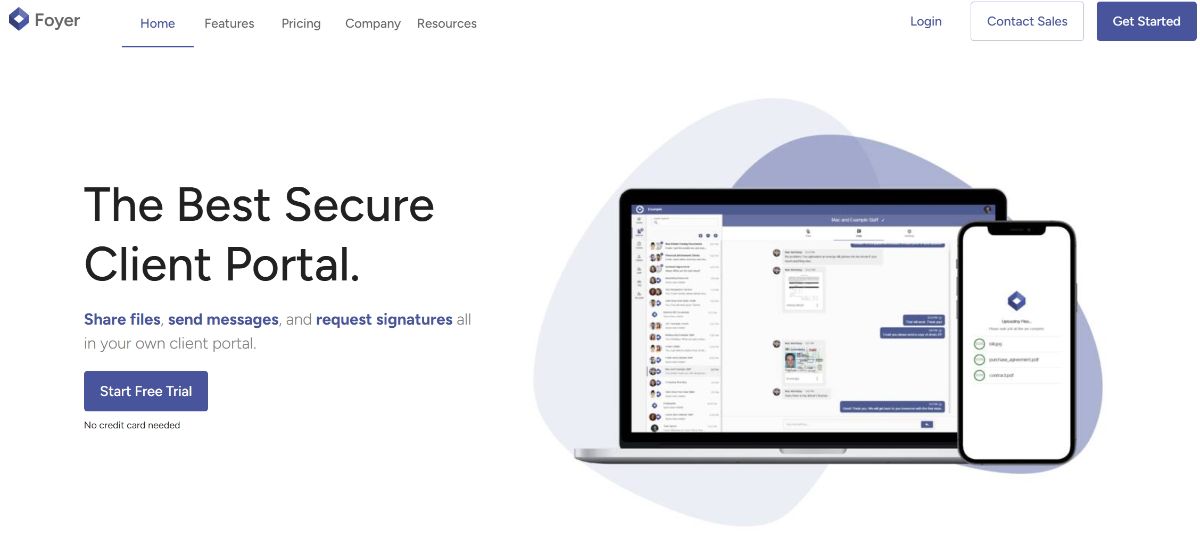
Foyer is built for teams that want a clean, modern client portal without duct-taping a bunch of tools together. It’s designed to keep client handoffs simple: share files, updates, and next steps in one place your clients can actually find again. Setup is meant to be quick, with sensible defaults so you’re not “building an app” just to onboard a client. The big point: it’s a free portal, not a timed free trial. If you want to try a free portal setup in a real workflow, start here with our onboarding.
Free Plan Details
- Free forever (not a trial), with core portal features available from day one
- Client-facing portal basics: sharing, updates, and a single place for client work to live
- Feature limits apply (similar idea to other tools’ free tiers): expect caps around advanced branding, automation, team/admin controls, and scale
Best For
- Small teams that want a real client portal without paying just to get started
- Anyone replacing “email + folders + status check-ins” with a single client home base
Watch outs
- If you need heavy workflow automation, deep integrations, or enterprise controls, you’ll likely want a paid tier later
- If you’re trying to run your whole business with payments included inside the portal, you may prefer a different portal.
Reviews: See verified Foyer reviews on Capterra (5 Stars).
2) Zendo
Zendo is a client portal plus “client ops” toolkit built for service businesses that want to package delivery, communication, and payments together. It’s very commerce-friendly, so it tends to shine when your portal is tied to selling a service and managing ongoing client requests. The customer portal experience is straightforward and the product is positioned as an all-in-one for agencies and service providers. Their free tier is real, but like most free plans, it comes with limits.
Free Plan Details
- Free tier available (with limits)
- Designed around a portal + requests/work + client communication in one flow
- Paid plans unlock more scale and advanced features (branding, team controls, etc.)
Best For
- Solo operators and small service teams that want a portal tied closely to service delivery
- Teams that like a structured “requests + updates + payments” style workflow
Watch outs
- The “all-in-one” approach can feel opinionated if you already have a stack you love
- Free tier limits can show up fast once you add teammates, branding needs, or higher volume
Reviews: See verified Zendo reviews on Capterra (5 Stars)
3) Softr
Softr is a no-code app builder that a lot of teams use to create portals, directories, and internal tools. It’s flexible: you can design the portal layout, gate content by user groups, and connect to different data sources. Because it’s a builder, it can feel more like “constructing your portal” than turning one on which is great for customization, slower if you just want a ready-made portal. Their free plan is solid for prototyping but usually has meaningful limits.
Free Plan Details
- Free plan available for getting started and publishing a basic portal/app
- Typically limited by the number of published apps and the number of users on the app
- Paid plans unlock more scale, richer components, and stronger controls
Best For
- Teams that want a custom portal UX and don’t mind building/configuring it
- Use cases where the portal is really an app (workflows, data views, forms)
Watch outs
- Build time is real: you may spend time designing and maintaining the portal
- Advanced permissions, branding, or scale can push you into higher tiers
Reviews: Check out verified Softr reviews on Capterra. (4.7 Stars)
4) Ahsuite
Ahsuite is a client portal tool aimed heavily at agencies, with a focus on embedding assets, managing client tasks, and keeping collaboration tidy. It tends to be “portal-first,” which is nice when you don’t want a full business suite. The experience is built for client visibility like sharing docs, links, approvals, and communication in one place. Their free plan is positioned as a practical starting point, but it caps how much you can run through it.
Free Plan Details
- Free plan available
- Built around secure portals with embeds, links, file sharing, tasks, and messaging
- Limits apply (common constraints: number of portals, team capabilities, branding)
Best For
- Agencies that want a portal-first product that’s quick to roll out
- Teams that rely on embedded tools (reports, dashboards, shared docs) inside a portal
Watch outs
- White labeling and advanced branding are often tied to higher plans
- If you need deep workflow automation or a full CRM, you may outgrow it
Reviews: Check out Ahsuites reviews on Capterra. (4.9 Stars)
5) SuperOkay
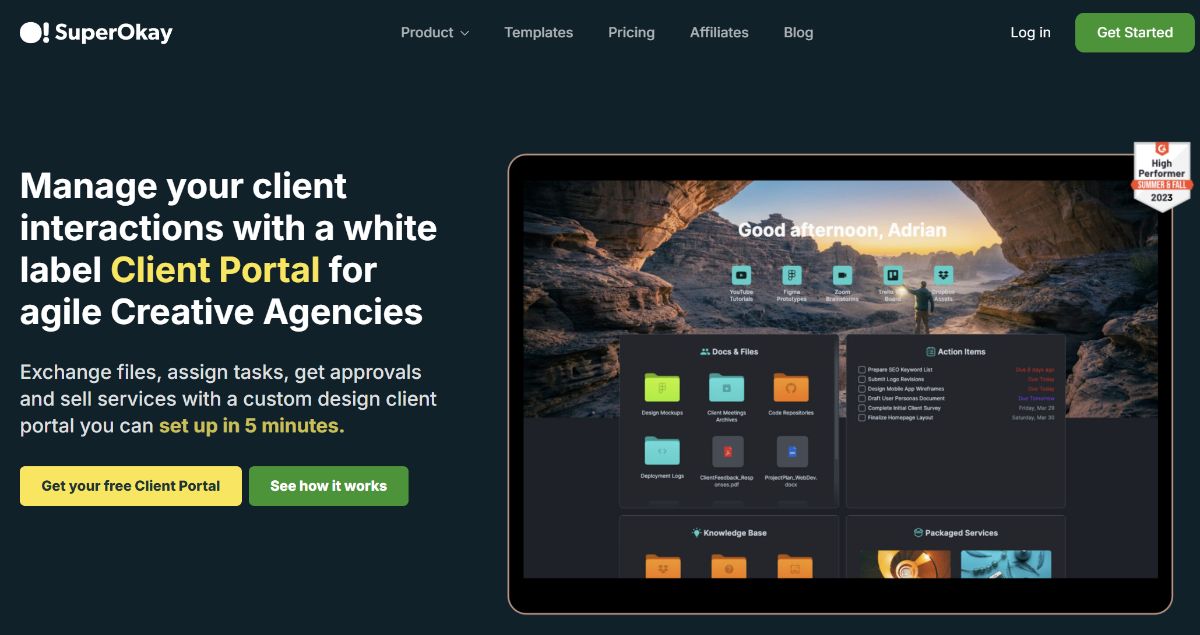
SuperOkay is built for presenting work to clients cleanly, think “beautiful client deliverables hub” with simple portal structure. It’s popular with creative teams because it focuses on how work looks and feels to the client, not just functionality. It’s generally faster to set up than a no-code builder, and more design-forward than a typical ops suite. They do offer a free option, but it’s intentionally narrow.
Free Plan Details
- Free option available to try the product with a very small setup
- Best used as a lightweight portal for a single client/project scenario
- Upgrading is usually needed for multiple clients, broader sharing, and team workflows
Best For
- Freelancers/creative shops who want a polished client-facing space
- Teams that care a lot about “how it looks” when sharing deliverables
Watch outs
- Free tier is limited; multi-client or multi-project usage typically requires a paid plan
- If you need heavy permissions, advanced workflows, or admin controls, it may feel light
Reviews: See verified SuperOkay reviews on Capterra. (4.8 Stars)
6) Aligned
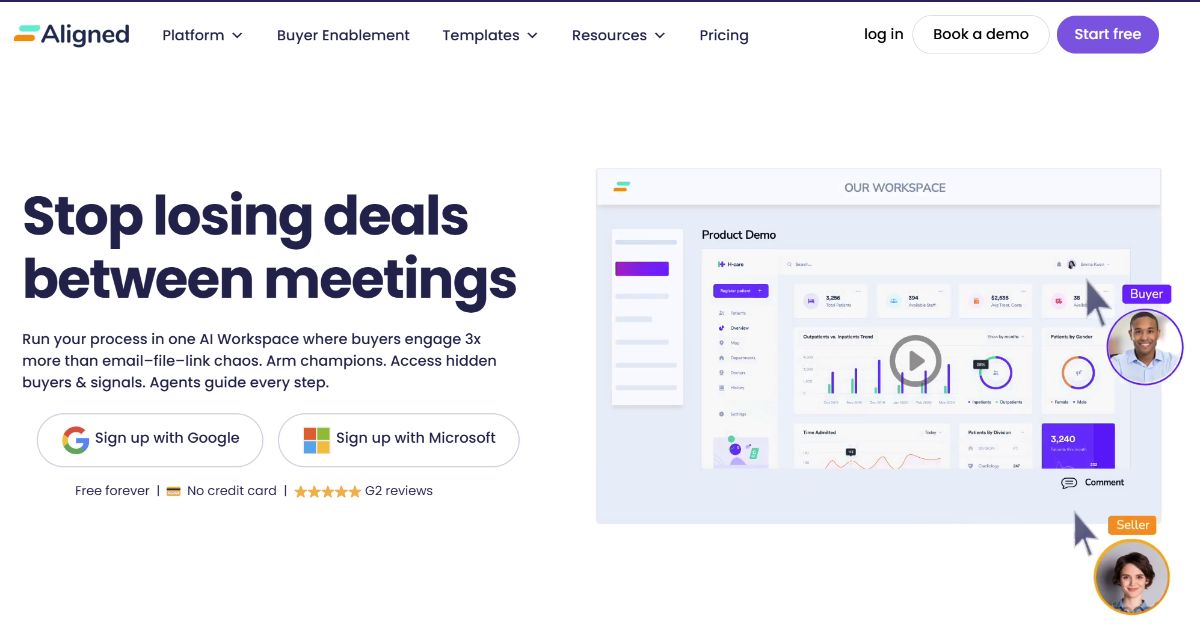
Aligned is best known as a digital sales room platform, but it can overlap with “portal” needs when you want a shared space for documents, plans, and stakeholder alignment. It’s strong when the goal is guiding someone through a journey (like onboarding or a buying process) with clear steps and shared artifacts. The product is built for collaboration around a deal or customer plan, not general-purpose file sharing. You can try it free, but long-term usage depends on your team’s workflow and scale.
Free Plan Details
- Free access is available to get started
- Built around shared rooms/spaces for collaboration, content, and progress tracking
- Limits apply as you scale rooms, users, and advanced capabilities
Best For
- Revenue/customer teams who want a guided, collaborative “room” experience
- Use cases where mutual action plans and stakeholder alignment matter
Watch outs
- If you mainly want a simple client portal for files + updates, it can be more than you need
- Some portal-style expectations (storage, permissions model, client access patterns) may differ from typical client portal tools
Reviews: Check Aligned reviews on Capterra. (4.9 Stars)
Final Thoughts
If you made it this far, you’ve probably noticed something: a lot of tools say they’re “free,” but most free plans come with tradeoffs. That’s not necessarily a bad thing. It just means you should pick the free portal that matches what you actually need right now.
If your goal is to give clients a simple, secure place to upload files, find shared documents, and keep communication out of messy inbox threads, Foyer is the best place to start. It’s built specifically for the “client portal” use case and is designed to feel easy on the client side, not like a confusing software product they have to learn.
Here’s the simplest way to choose:
- Choose Foyer if you want a real client portal that looks professional, is easy to roll out, and keeps client work organized in one place, without a trial clock hanging over your head.
- Choose Zendo if what you really want a more “all-in-one” platform built around agencies selling services
- Choose Softr if you want to build a portal your own way and don’t mind spending time configuring it like a lightweight app.
- Choose Ahsuite if you want a basic agency portal that covers the essentials and stays simple.
- Choose SuperOkay if you’re mostly exploring portal layouts and want to test a polished experience on a very small scale.
But if your priority is the thing most teams actually want from a portal which is fewer emails, fewer lost files, and a smoother client experience, then Foyer is the most direct solution.
The best next step is simple: set up your portal, invite one client, and run one real workflow through it (like onboarding or document collection). You’ll know quickly whether your clients adopt it and whether it saves you time.
FAQs
Is there truly free client portal software?
Yes—some tools offer a free plan with no time limit. A good rule: confirm it’s not a trial. Zendo explicitly calls this out in its free portal roundup.
What’s the difference between a client portal and customer portal software?
Usually none. “Client portal” is common in services (agencies, accountants). “Customer portal” is common in product/support.
What should a free client portal include?
At minimum: secure file sharing, basic permissions, and a client-friendly experience. Branding and messaging are big quality-of-life improvements.
Do clients need an account to upload files?
Not always. Some workflows work better with an upload link / intake flow. Foyer describes SafeDrop as a way to receive uploads without requiring a client account.