
Top 9 Zendo Alternatives in 2026


If you are searching for Zendo alternatives, you are probably in one of these situations:
- You like the idea of a simple client portal, but you want more control over branding and setup
- You need a clearer way to collect client info, share files, and keep communication in one place
- Your team is growing and seat limits or plan upgrades are starting to feel annoying
- You want better integrations, stronger security options, or more flexible workflows
Zendo is a client portal that aims to help service businesses sell and deliver services in one place. It is often used for things like onboarding, sharing files, messaging, and getting paid. But depending on your workflow, you may want a tool that is more portal focused, more flexible, easier to customize, or simpler for clients to use.
Below are the best Zendo alternative picks and Zendo competitors, starting with Foyer as the number one option.
What to look for in a Zendo alternative
Before you switch, get clear on what matters most for your team. Most people compare Zendo alternatives using these client portal features:
- Client portal experience: a clean place for clients to log in, message you, and find files
- Intake and onboarding: forms and checklists to collect requirements fast
- Payments and billing: proposals, invoices, subscriptions, and payment links
- Service delivery: tasks, timelines, updates, and request handling
- Branding: custom domain, logos, colors, and a portal that looks like you
- Team scaling: how seats work and whether collaborators are affordable
- Integrations: connecting your portal to the tools you already use
Once you know your top two or three priorities, the choice gets much easier.
1. Foyer
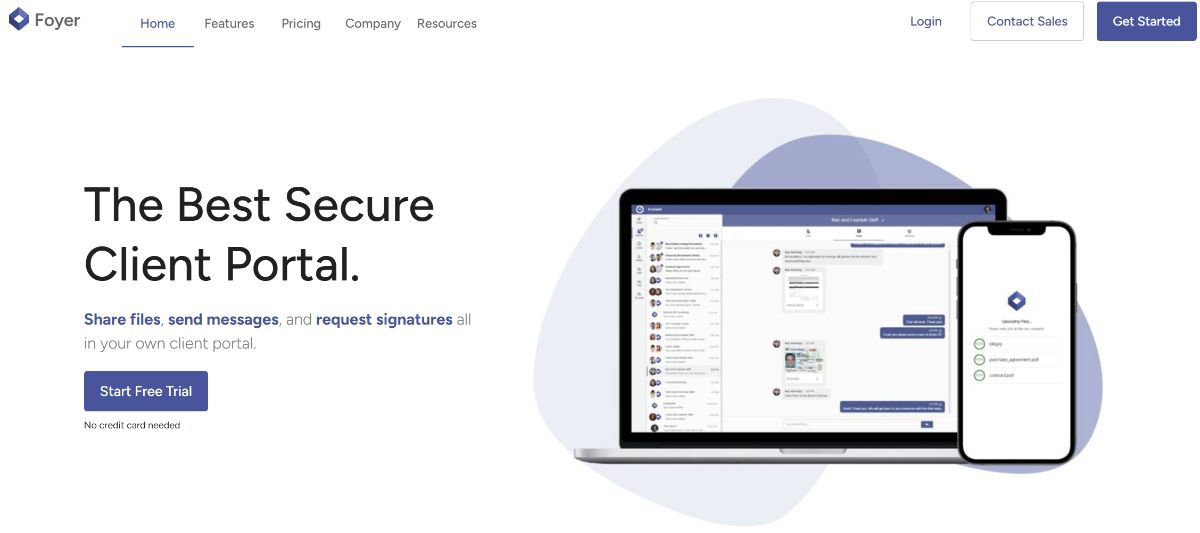
Foyer is built around the client experience. You get a branded portal, secure file sharing, and a clean way to centralize client communication. It is a great fit for teams that do not want to fight a complicated setup just to deliver a smooth client experience. It also works well when you want a portal that feels like an extension of your company, not a generic login page.
Why teams choose Foyer
- Clean client portal that clients actually understand
- Secure file sharing for document heavy workflows
- Strong white label branding options so the portal looks and feels like you
- Simple rollout, with less admin overhead than heavier all in one suites
- Great fit if your portal is the main “home base” for clients, not just a checkout step
Best for
- Agencies that want a simple, branded client portal
- Accounting, finance, legal, and other document heavy services
- Teams that care about a polished client experience
- Businesses that want a portal first tool instead of a complicated operations suite
Watch outs
- If you mainly need a storefront for selling packages with complex checkout flows, you may prefer a more commerce focused platform
Reviews: See verified user feedback on Capterra here: Foyer reviews on Capterra (5 stars).
2. SuiteDash
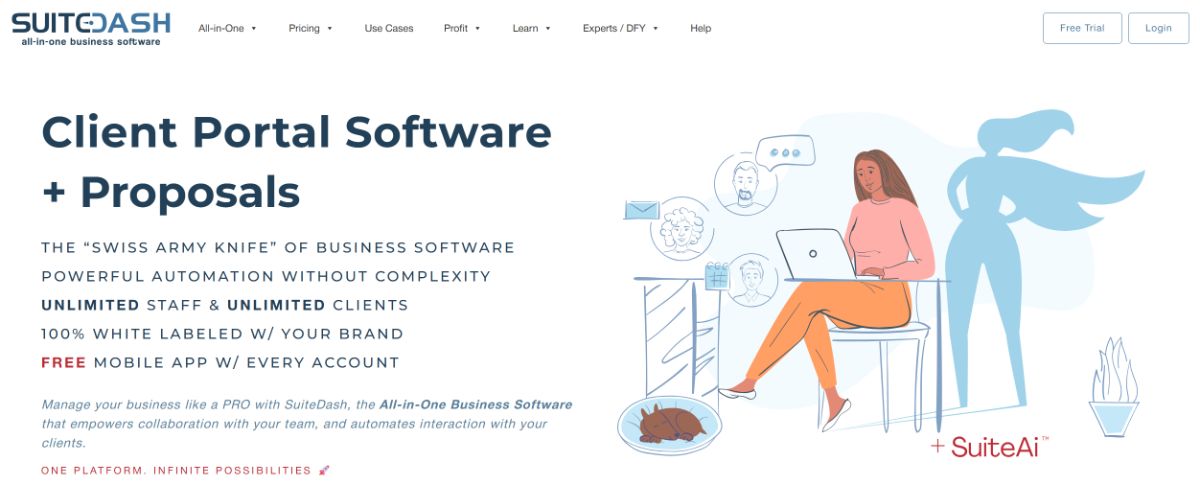
SuiteDash is one of the most common Zendo competitors because it tries to cover everything: client portal, CRM, projects, and billing.
If you want an all in one system and you do not mind spending time configuring it, SuiteDash can be a solid option. The tradeoff is that it can feel heavy if you only want a simple portal and smoother client collaboration. Many teams end up spending time setting up modules, automations, and permissions to match how they work.
Why teams choose SuiteDash
- Lots of tools in one platform, including CRM and project features
- Can replace multiple systems if you commit to it
- Good customization options once you learn the platform
- Useful if you want a single system to run most of your operations
Best for
- Ops heavy teams that want one platform for lots of functions
- Businesses that are okay with a longer setup process
- Teams that want portal plus CRM plus projects and billing under one roof
Watch outs
- Can feel complex if you only need a portal and file sharing
- Setup takes time, and it is easy to overbuild workflows you do not actually need
Reviews: See verified user feedback on Capterra here: SuiteDash reviews on Capterra (4.9 Stars).
3. Dubsado

Dubsado is a long time favorite for client onboarding and automation, especially for freelancers and smaller studios.
It is a good fit if your main pain is managing proposals, contracts, forms, and client workflows. It is less of a pure client portal and more of a workflow and client management system. Think of it as a way to guide clients through your process, with automation helping handle the repetitive admin steps.
Why teams choose Dubsado
- Strong templates for proposals, contracts, questionnaires, and emails
- Automations that reduce back and forth during onboarding
- Great for managing leads and moving them through a pipeline
- Helpful if you want a structured client journey from inquiry to signed contract
Best for
- Freelancers and small teams
- Studios that want polished onboarding and automation
- Businesses that want structured client journeys and workflows
Watch outs
- Setup can take time if you want to get the most out of it
- If you need a true portal that is mostly about secure file sharing and ongoing collaboration, a portal first tool may feel simpler
Reviews: See verified user feedback on Capterra here: Dubsado reviews on Capterra (4.2 Stars).
4. Assembly (Copilot)
Assembly is another strong competitor in the client portal space. It is often positioned for service businesses that want a client portal plus stronger CRM style functionality and integrations.
If you want more than a portal, but you do not want the full complexity of a massive all in one suite, Assembly can sit in the middle. It can work well for teams that want a modern client experience while still keeping client info and workflows organized behind the scenes.
Why teams choose Assembly
- Modern portal experience that feels professional to clients
- Useful CRM style features for managing client relationships
- Good integration options for teams using multiple tools
- Often a better fit than “everything suites” if you want something more focused
Best for
- Service businesses that want portal plus CRM style features
- Teams that value integrations and a modular system
- Agencies that want a polished client experience with a bit more backend structure
Watch outs
- Pricing and add ons can add up based on what you need
- Depending on your delivery style, you may want deeper project or request management
Reviews: See verified user feedback on Capterra here: Assembly reviews on Capterra (4.7 Stars).
5. HoneyBook

HoneyBook is a well known option for client management, especially for freelancers and small service businesses. It is not a pure client portal tool in the same way as some Zendo alternatives, but it covers a lot of the same day to day needs: leads, proposals, contracts, invoices, and payments.
If your main goal is to manage the full client journey from inquiry to getting paid, HoneyBook can be a strong Zendo competitor. Many teams use it to keep onboarding organized and to automate repetitive admin tasks.
Why teams choose HoneyBook
- Solid workflow for inquiries, proposals, and contracts
- Invoices and online payments in the same flow
- Automations and templates that save time for small teams
- Clean, professional experience for clients during onboarding
Best for
- Freelancers, studios, and small agencies
- Service businesses that want a streamlined client journey
- Teams that care more about proposals and onboarding than complex delivery workflows
Watch outs
- If you need a portal that is mainly focused on secure file sharing and ongoing client collaboration, a portal first tool like Foyer may be a better fit
- If you want advanced request management or delivery dashboards, you may need a more delivery focused platform instead
Reviews: See verified user feedback on Capterra here: HoneyBook reviews on Capterra (4.7 Stars).
6. Agency Handy
Agency Handy is a popular Zendo alternative for agencies that want a portal plus service delivery workflows. It focuses on helping agencies manage onboarding, tasks, and structured delivery in a way that feels agency friendly.
It is a good choice if you want more delivery management than a basic portal, especially if you handle recurring services. It tends to appeal to agencies that want a clear system for intake, work tracking, and client visibility.
Why teams choose Agency Handy
- Built around agency workflows like onboarding, tasks, and client updates
- Helpful for recurring services and ongoing client management
- Often includes features that support white labeling and structured delivery
- Good balance if you want portal plus delivery support in one system
Best for
- Marketing and creative agencies
- Teams that want onboarding plus delivery workflows in one tool
- Agencies that manage recurring retainers or subscriptions
Watch outs
- May be more workflow focused than portal first, depending on your needs
- If your main need is secure document sharing and a clean portal, you may prefer a simpler portal first product
Reviews: See verified user feedback on Capterra here: Agency Handy reviews on Capterra (4.5 Stars).
7. Service Provider Pro
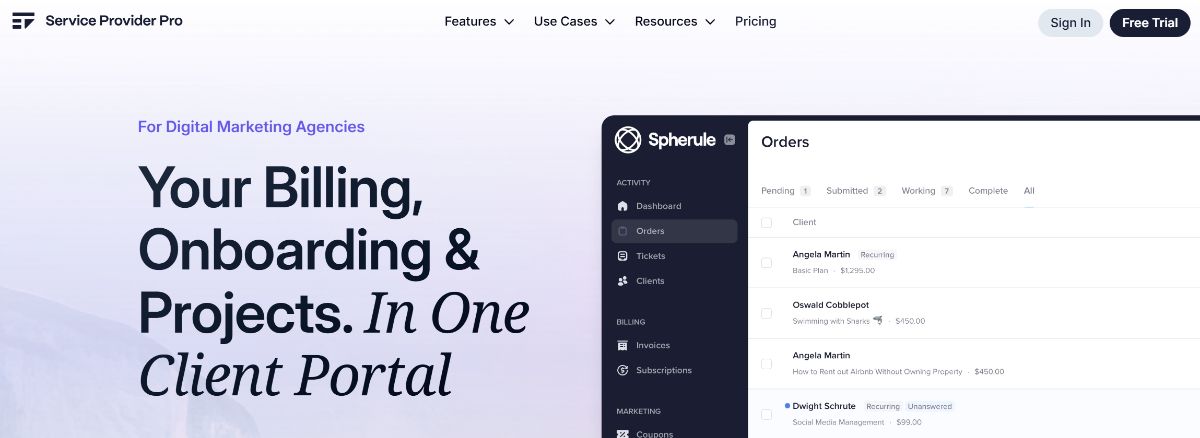
Service Provider Pro is built for service delivery. It is often used by agencies that run standardized services and want a system that supports orders, onboarding, and delivery.
If you sell packages and want a more structured flow from purchase to delivery, it is worth a look. It can be especially useful if you want clients to buy a service, complete onboarding, and then move through a repeatable delivery process.
Why teams choose Service Provider Pro
- Strong for package-based services and standardized delivery
- Good onboarding flows that capture requirements early
- Helps teams stay consistent across projects and clients
- Useful for agencies that want a more systemized business
Best for
- Agencies that sell defined packages
- Teams that want structured onboarding and delivery
- Service businesses that want a repeatable process
Watch outs
- If your service delivery is very custom, you may want a more flexible portal setup
- Teams that need deeper collaboration features may want something more portal focused
Reviews: See verified user feedback on Capterra here: Service Provider Pro reviews on Capterra (4.9 Stars).
8. ManyRequests
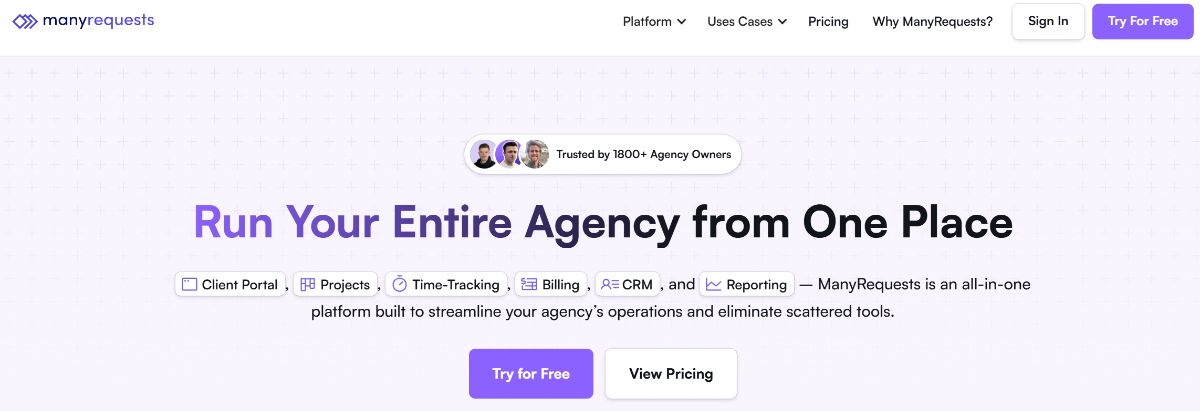
ManyRequests is a great Zendo alternative if your business runs on requests, revisions, and ongoing collaboration, especially for design teams.
Instead of trying to be everything, it leans into request management and client feedback loops. It is a strong option for subscription style services where clients submit tasks continuously and you need a clear way to manage volume.
Why teams choose ManyRequests
- Request management is the core experience, not an add on
- Easy for clients to submit tasks and track progress
- Works well for revisions, feedback, and ongoing collaboration
- Great fit for “unlimited” or subscription creative services
Best for
- Design and creative subscription models
- Teams that need request handling and revision workflows
- Agencies that manage high request volume and frequent feedback loops
Watch outs
- Can be more expensive for small teams
- More niche if you are not request driven
- If you mainly need secure file sharing and a simple portal, you may want a lighter tool
Reviews: See verified user feedback on Capterra here: Manyrequests reviews on G2 (4.5 Stars).
9. Clinked
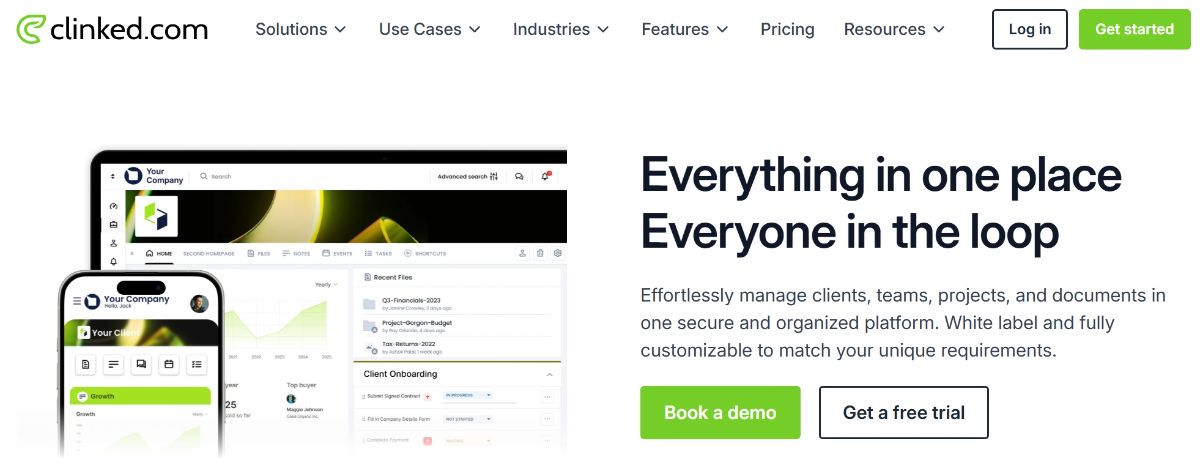
Clinked is a client portal tool that tends to appeal to teams that care a lot about permissions and secure collaboration.
If you work with sensitive client documents and want a portal that feels built for that, Clinked is a reasonable alternative to Zendo. It is often considered when teams need more control over who can access what, especially across multiple client workspaces.
Why teams choose Clinked
- Strong focus on permissions and secure client collaboration
- Good for teams with strict access control needs
- Helpful if you manage multiple client workspaces with different requirements
- Makes sense for sensitive industries where security is a big deal
Best for
- Compliance sensitive teams
- Businesses that need granular permissions and secure spaces
- Firms handling sensitive documents across many clients
Watch outs
- Less focused on selling services through a storefront style flow
- If your goal is a simple, modern portal experience with minimal setup, you may prefer a portal first platform like Foyer
Reviews: See verified user feedback on Capterra here: Clinked reviews on Capterra (4.8 Stars).
Where Zendo fits best and where it can fall short
Zendo can be a good match if you want an all-in-one way to sell services, onboard clients, and manage basic delivery in one platform.
But many teams eventually look for Zendo alternatives when they want:
- A simpler and more branded client portal experience
- Easier scaling for internal users and collaborators
- More flexibility in workflows and integrations
- A tool that is either more portal first or more delivery first, depending on how they work
That is why the best Zendo competitor depends on what you want Zendo to be.
How to choose the right Zendo alternative
Here is a quick way to decide:
Pick Foyer if
- You want a portal first product with a clean client experience
- You are document heavy and need secure sharing
- You want something easy to roll out quickly
Pick Agency Handy, Service Provider Pro, or ManyRequests if
- You run service delivery through requests, packages, and structured workflows
- You want onboarding and delivery management built in
Pick SuiteDash if
- You want an all in one suite and do not mind a more complex setup
Pick Assembly (Copilot) if
- You want a modern portal with extra business features and integrations
- You want a middle ground between simple portal and full suite
FAQ
What are the best Zendo alternatives for agencies?
Foyer is a strong choice if you want a clean client portal for client communication and file sharing. If you want more service delivery workflows, Agency Handy, Service Provider Pro, and ManyRequests are good options depending on how your agency operates.
Does Zendo work for document heavy services?
It can, but if secure document sharing and a clean portal experience are the top priorities, a portal first tool like Foyer or a security focused tool like Clinked can be a better fit.
Which Zendo competitor is best for a simple client portal?
Foyer is a great option if you want a modern client portal that is easy for clients to use without a complicated setup.