
Top 10 Best Honeybook Alternatives [For 2026]
![Top 10 Best Honeybook Alternatives [For 2026]](https://foyercus.blob.core.windows.net/287a2408185e68c371c/blog/703/c/3fac36a9-1626-425d-ac40-6b8cf6c8c492.jpg)

If you are searching for HoneyBook alternatives, you are probably in one of these spots:
• You like the idea of one place for proposals, contracts, and payments, but the client experience still feels a bit “tool like”
• You want a client portal that clients actually use, not another login they avoid
• You need different pricing, better branding, or a more secure file sharing setup
• You are comparing HoneyBook competitors because your workflow is changing
HoneyBook is still a solid option for a lot of service businesses, but it is not the only one. HoneyBook’s paid plans (billed yearly) start at $29 per month and go up to $109 per month, depending on the tier.
Below is a practical list of HoneyBook alternatives you can consider in 2026, with Foyer as the number 1 pick if you want a portal first experience.
Quick note: pricing and features change often, so treat any pricing mentions as a starting point and double check on each vendor’s pricing page.
What to look for in a HoneyBook alternative
Top ranking lists and comparison pages tend to focus on a few repeat themes: client portal quality, onboarding flows, billing, automation, and how much “extra platform” you are forced to adopt.
A simple way to shortlist:
• Portal experience: will clients actually log in and find what they need
• Branding: logo, colors, custom domain, and whether “powered by” can be removed
• Core workflow: proposals, contracts, invoices, payments, forms, scheduling
• Security basics: encryption, access controls, audit trails
• Setup time: can you get live quickly without building a huge system
• Pricing model: per user, per workspace, or flat pricing
If your main goal is a clean, modern portal clients will adopt, start with Foyer.
Top 19 Honeybook Alternatives for 2026
1. Foyer
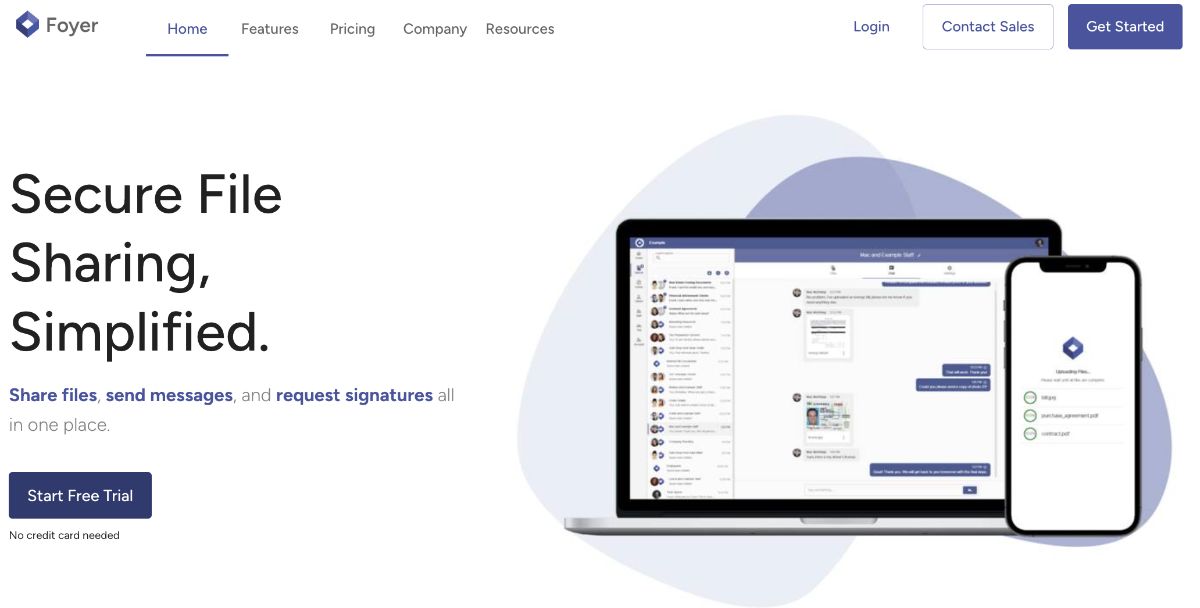
Foyer is a client portal tool that tends to appeal to teams that want a clean, modern portal experience that is easy for clients to adopt.
If you like HoneyBook but want a portal that is more portal first and less “everything bundled together”, Foyer is a strong HoneyBook alternative. It focuses on the core experience: secure file sharing, messaging, branding, and signatures, without making setup feel like a huge project. If you want the big picture first, see our top 10 best client portals.
Why teams choose Foyer
• Simple pricing, with a plan called out at $19 per internal user per month
• Secure by default, including encryption in transit and at rest
• Custom white label client portal branding with your logo and colors
• Built in signing workflows that keep the client experience smooth
• A clear definition of what a portal should include, like chat, uploads, and signing
Best for
• Service businesses that want a portal that clients will actually use
• Teams that care about branding and a smooth client login experience
• Firms that want secure file sharing plus messaging plus signing in one place
Watch outs
• If you want deep CRM automation, advanced pipelines, and lots of bundled tools inside one platform, some “all in one” suites may feel more complete out of the box
Reviews: See verified user reviews on Capterra: Foyer reviews on Capterra (5 stars).
2. Assembly (Copilot)
Assembly is a client portal tool that tends to appeal to teams that want an all in one workspace for client management, onboarding, contracts, invoicing, and a branded client portal. Assembly publicly describes the Copilot to Assembly rebrand and keeps the product positioned as an all in one client portal experience.
If you like Assembly but want a portal that is more portal first and less “platform you have to fully adopt”, Foyer is a strong Assembly alternative. It focuses on the core portal experience, with a fast setup and a client friendly UI.
Why teams choose Assembly
• Branded portal that brings together common client workflows
• Positioned as a replacement for a patchwork of point tools
• Reviews often mention portal customization and client experience
Best for
• Teams that want a clean portal as the “front door” for clients
• Firms that want fewer moving parts than a full platform rollout
• Businesses where adoption matters more than unlimited feature breadth
Watch outs
• If you want a full workspace with CRM, invoicing, tasks, embedded apps, and an app marketplace, Assembly is built for that model
Reviews: See verified user reviews on Capterra: Assembly reviews on Capterra (4.8 stars).
3. Dubsado
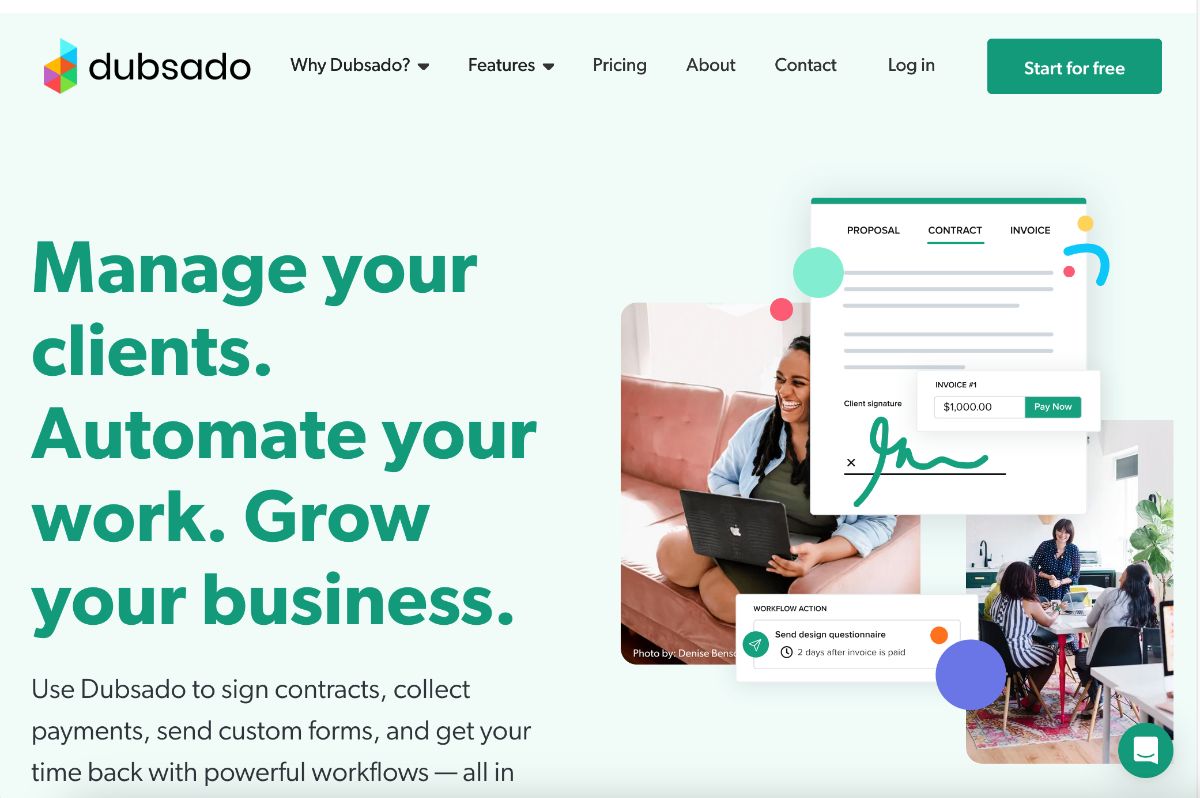
Dubsado is a client management tool that tends to appeal to service based businesses that want proposals, contracts, invoices, and workflows under one roof, plus a client portal. Dubsado also positions its client portal as a centralized hub to reduce scattered email and files. There are a lot of similarities between HoneyBook and Dubsado, which is why we made a blog on Dubsado vs Honeybook.
If you like Dubsado but want a portal that is more portal first and less “CRM and workflows with a portal attached”, Foyer is a strong Dubsado alternative. It focuses on the portal experience clients see every day: messages, files, and signing, in a simple branded space.
Why teams choose Dubsado
• Strong workflow and template orientation for client processes
• Review feedback often calls out value when you invest time in setup
• Popular among service businesses that want structured automation
Best for
• Teams that already have a CRM and want a cleaner portal layer
• Firms with lots of back and forth files and approvals
• Businesses trying to reduce email clutter
Watch outs
• If you want deep workflow automation and templates tightly connected across proposals, contracts, and invoices, Dubsado is known for that style of setup
Reviews: See verified user reviews on Capterra: Dubsado reviews on Capterra (4.2 Stars). We also have created an entire Dubsado review that is worth checking if you're seriously considering Dubsado.
4. SuiteDash
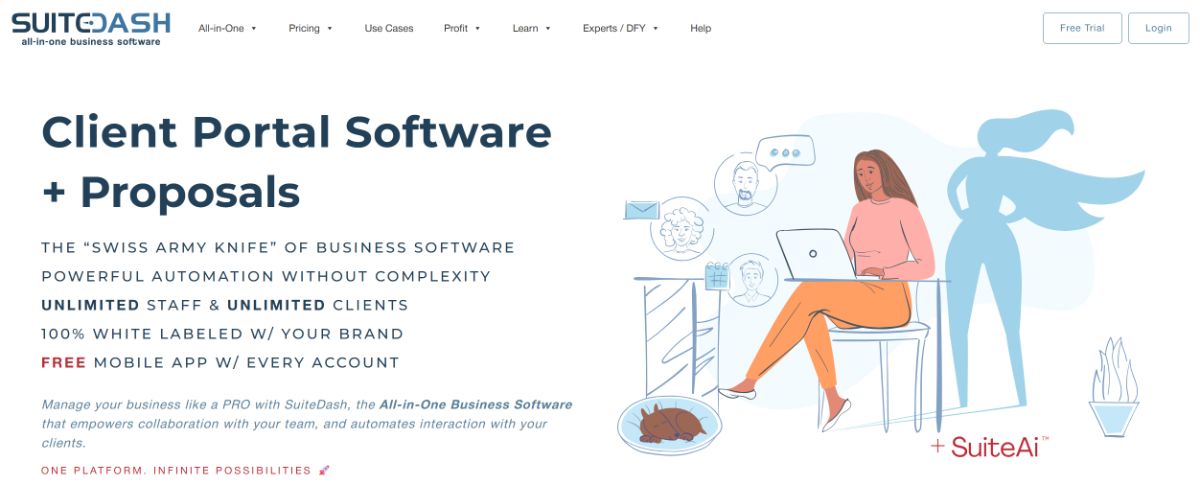
SuiteDash is a client portal tool that tends to appeal to businesses that want a very broad “all in one” system: CRM, onboarding, billing, scheduling, file exchange, and more, wrapped into a single platform. SuiteDash also emphasizes white label branding and an extensive feature set.
If you like SuiteDash but want a portal that is more portal first and less “you are implementing a whole operating system”, Foyer is a strong SuiteDash alternative. It keeps the portal experience simple, so clients can find messages, files, and signing without learning your internal process map.
Why teams choose SuiteDash
• Flat rate plans and a broad set of included tools are highlighted
• Portal plus CRM plus billing modules in one platform
• Reputable with strong review volume on Capterra
Best for
• Businesses that want a portal now, not an implementation project
• Teams that want to keep their existing stack and add a portal layer
• Firms focused on client experience and brand consistency
Watch outs
• SuiteDash pricing is positioned as flat pricing tiers, and it can be a strong deal if you truly use a wide range of the included tools
Reviews: See verified user reviews on Capterra: SuiteDash reviews on Capterra (4.8 Stars).
5. Clinked
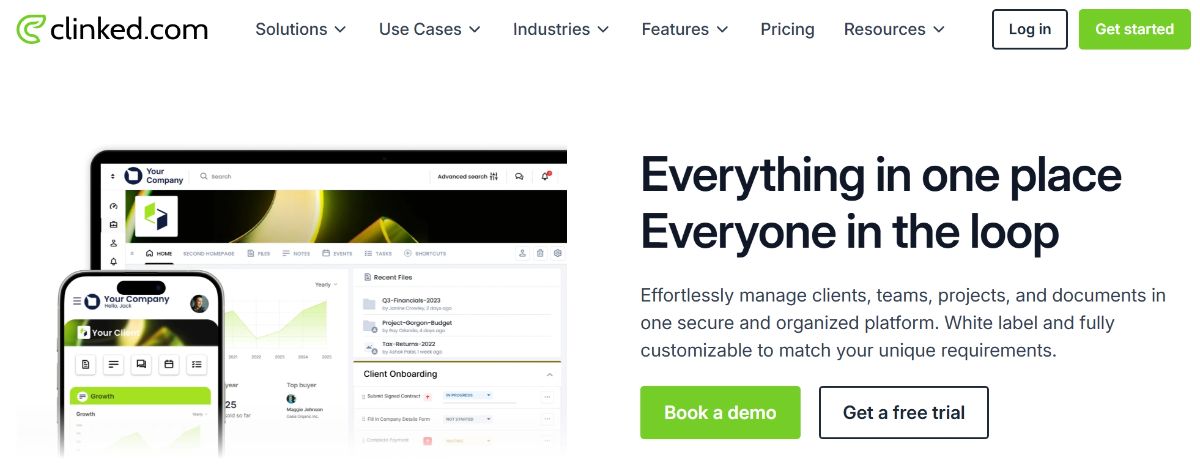
Clinked is a client collaboration portal that tends to appeal to teams that want secure file sharing, messaging, and collaboration features inside a client portal style environment.
If you like Clinked but want a more modern, portal first client experience with a lighter setup, Foyer is a strong Clinked alternative.
Why teams choose Clinked
• Known for client portal style collaboration and file sharing
• Strong review ratings and review volume on Capterra
• Popular for teams that want structured client spaces
Best for
• Teams that want a collaboration portal for external clients
• Firms that need organized client spaces and shared files
Watch outs
• If you want signing workflows tightly integrated into the portal experience, you may want a portal that emphasizes that feature set
Reviews: See verified user reviews on Capterra: Clinked reviews on Capterra (4.9 Stars).
6. 17hats
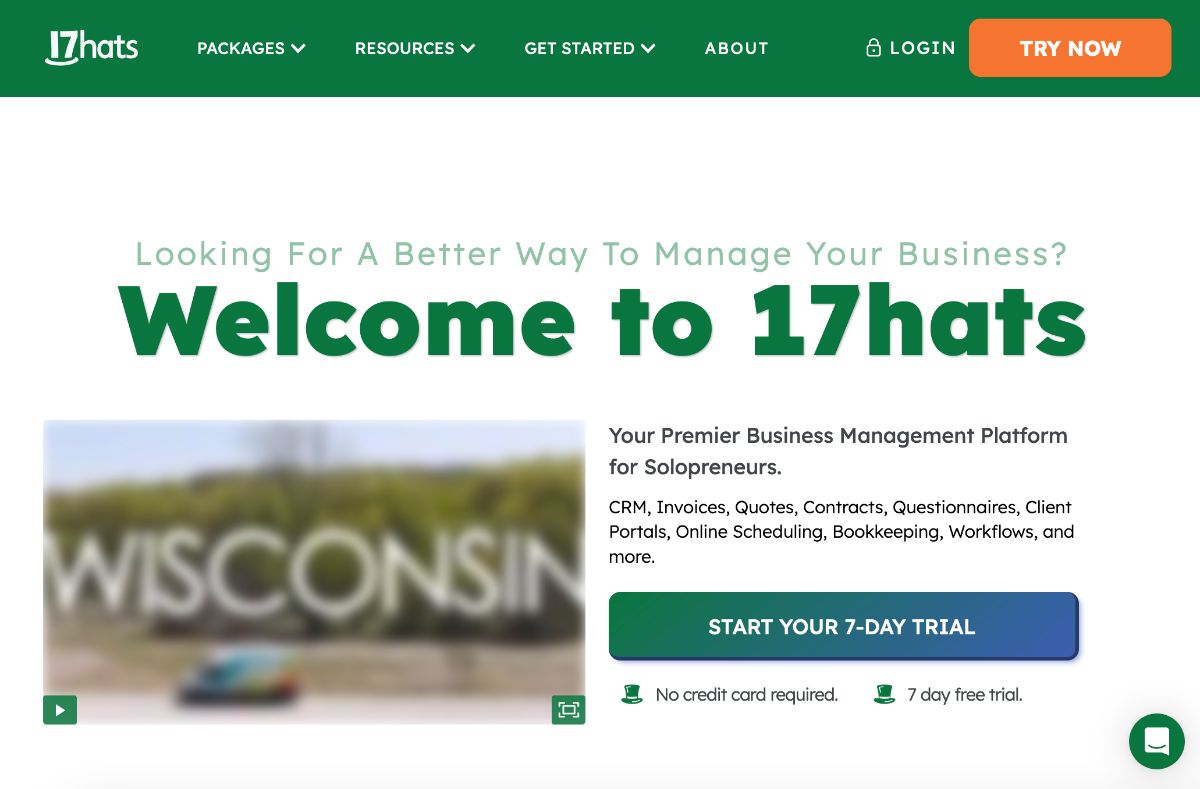
17hats is a business management platform that tends to appeal to small businesses that want a unified dashboard for contacts, projects, scheduling, invoices, and automation.
If you like 17hats but want a portal that is more portal first and less full back office suite, Foyer is a strong 17hats alternative for teams that want clients spending time in a clean branded portal.
Why teams choose 17hats
• Broad feature coverage for small business operations
• Starting price and tiering are clearly listed on Capterra
• Strong review volume for the category
Best for
• Solo businesses and small teams that want one dashboard for client operations
• Teams that want light automation plus scheduling plus invoices
Watch outs
• If the client portal experience is the main thing you want to upgrade, a portal first tool can be a cleaner fit
Reviews: See verified user reviews on Capterra: 17hats reviews on Capterra (4.4 Stars).
7. Bonsai (Hello Bonsai)
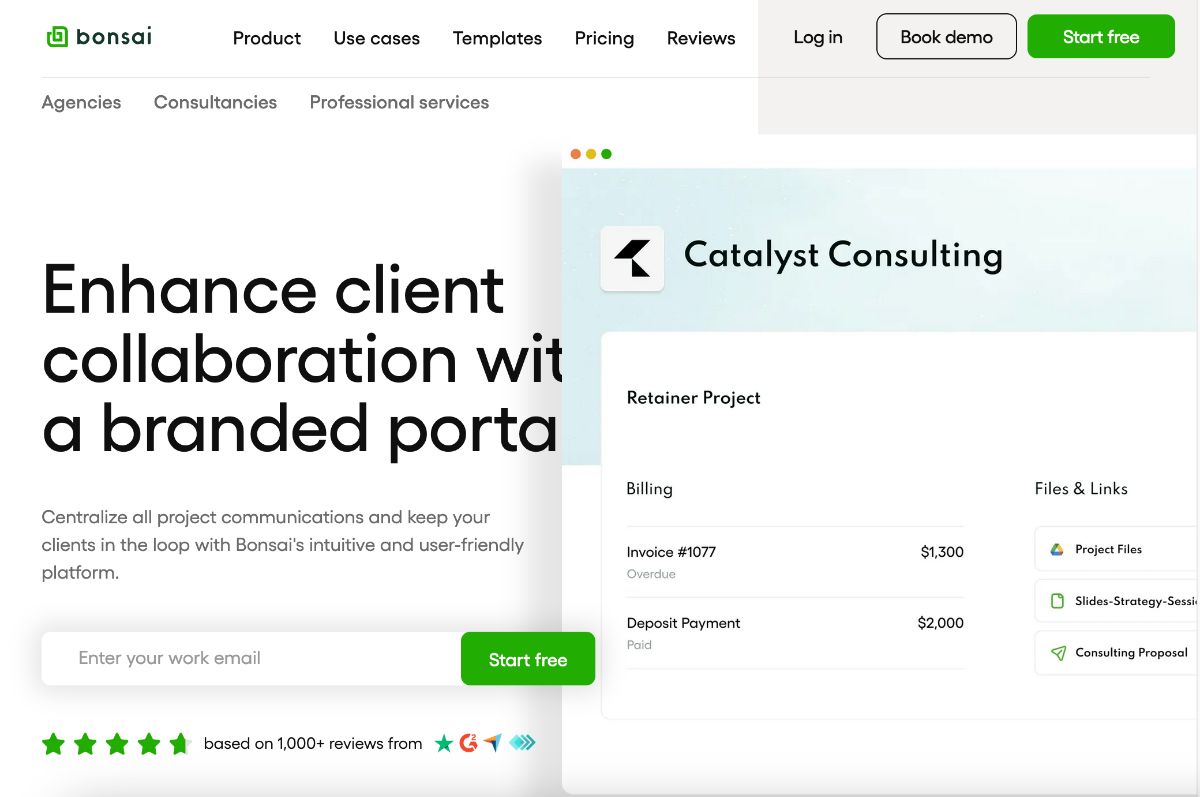
Bonsai is a business management tool that tends to appeal to freelancers and small teams who want proposals, contracts, invoicing, and client management in one place.
If you like Bonsai but want a portal that is more portal first and more branded for a premium client experience, Foyer is a strong Bonsai alternative.
Why teams choose Bonsai
• Strong fit for freelancers who want contracts, invoices, and proposals together
• Reviews often mention value for money in the freelancer context
• Straightforward toolset for getting paid and staying organized
Best for
• Freelancers who want simple operations in one app
• Small service teams that prioritize contracts and invoicing
Watch outs
• If you want a dedicated portal experience that feels like your brand’s “client hub”, a portal first tool may feel more premium
Reviews: See verified user reviews on Capterra: Bonsai reviews on Capterra (4.6 Stars).
8. Plutio
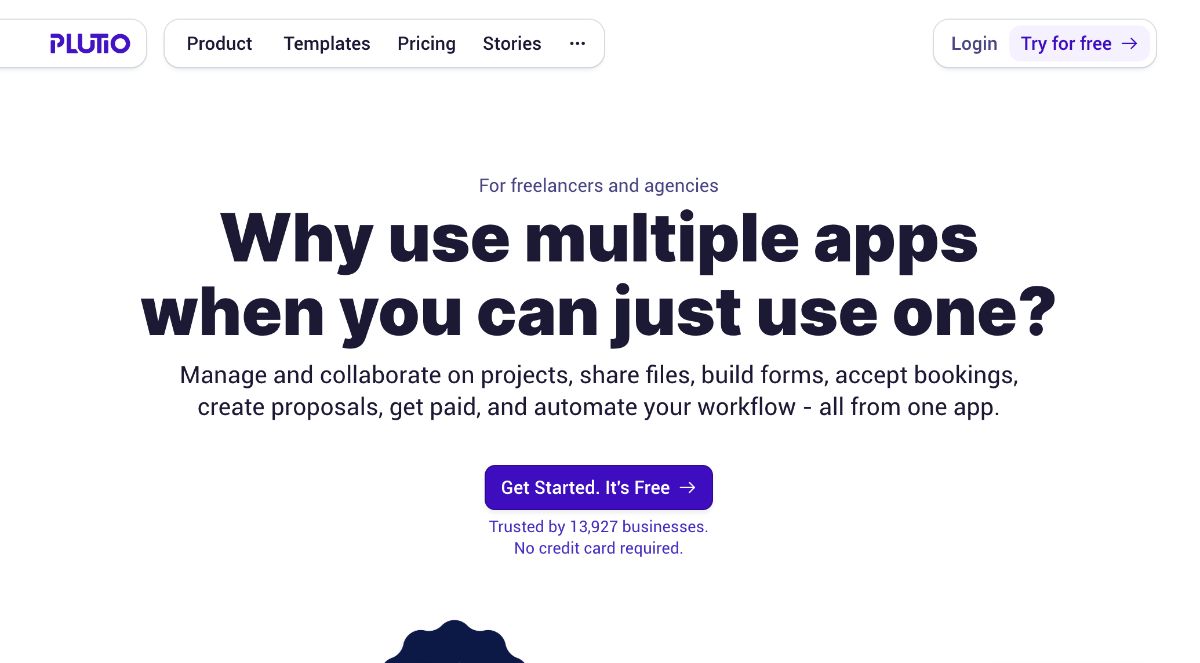
Plutio is a business management platform that tends to appeal to small teams that want projects, tasks, and client management in one dashboard, often with a portal style component.
If you like Plutio but want a more portal first client experience that stays simple for clients, Foyer is a strong Plutio alternative.
Why teams choose Plutio
• All in one dashboard approach is a common theme in reviews
• Clear starting price shown on Capterra
• Strong review sentiment on Capterra
Best for
• Small businesses that want one place for projects and client work
• Teams that want broad features without going fully enterprise
Watch outs
• If client adoption is your biggest concern, a portal designed primarily for clients can win
Reviews: See verified user reviews on Capterra: Plutio reviews on Capterra (4.6 Stars).
9. PandaDoc
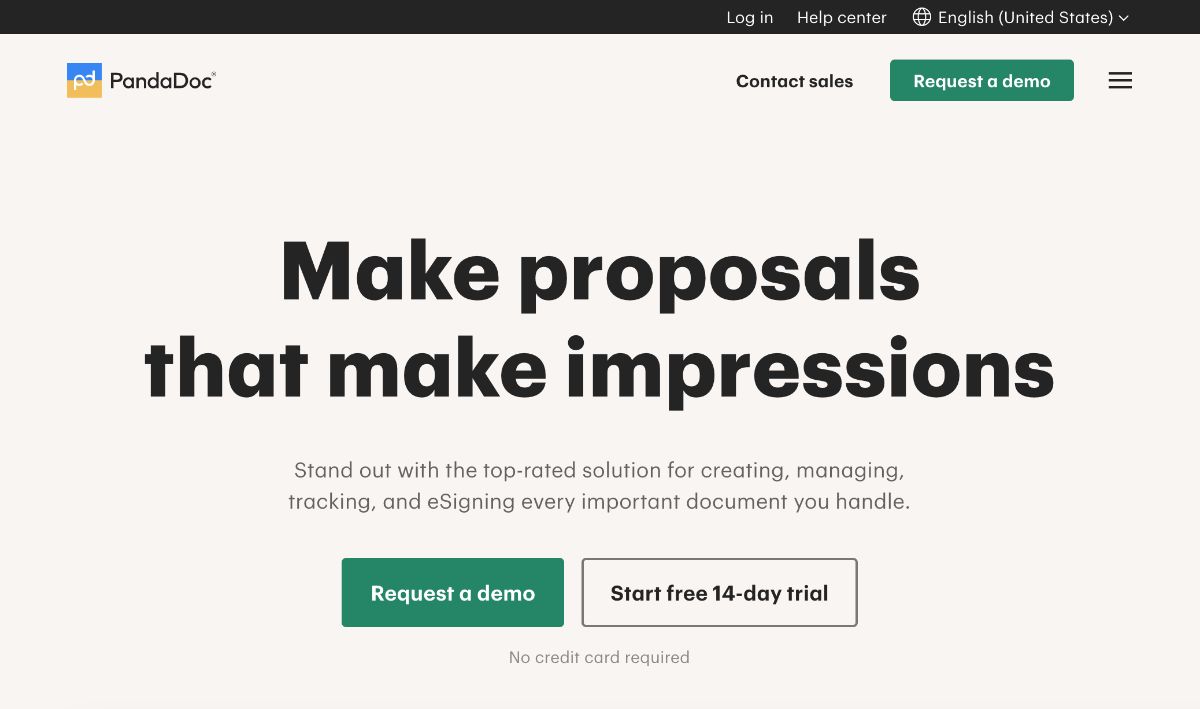
PandaDoc is a document and e signature tool that tends to appeal to teams that want better proposals, quotes, and contract workflows, especially when document creation is central.
If you like PandaDoc but want client collaboration to happen inside a portal, Foyer is a strong PandaDoc alternative for portal first workflows, or a strong pairing if you keep PandaDoc for documents and use Foyer for the portal experience.
Why teams choose PandaDoc
• Focus on proposals, contracts, and signing workflows
• Strong review volume on Capterra
• Good fit when document automation matters
Best for
• Sales and service teams that send lots of proposals and agreements
• Teams that want consistent document templates
Watch outs
• If you want a client portal for ongoing collaboration beyond documents, you may want a dedicated portal tool
Reviews: See verified user reviews on Capterra: PandaDoc reviews on Capterra (4.5 Stars).
10. FreshBooks
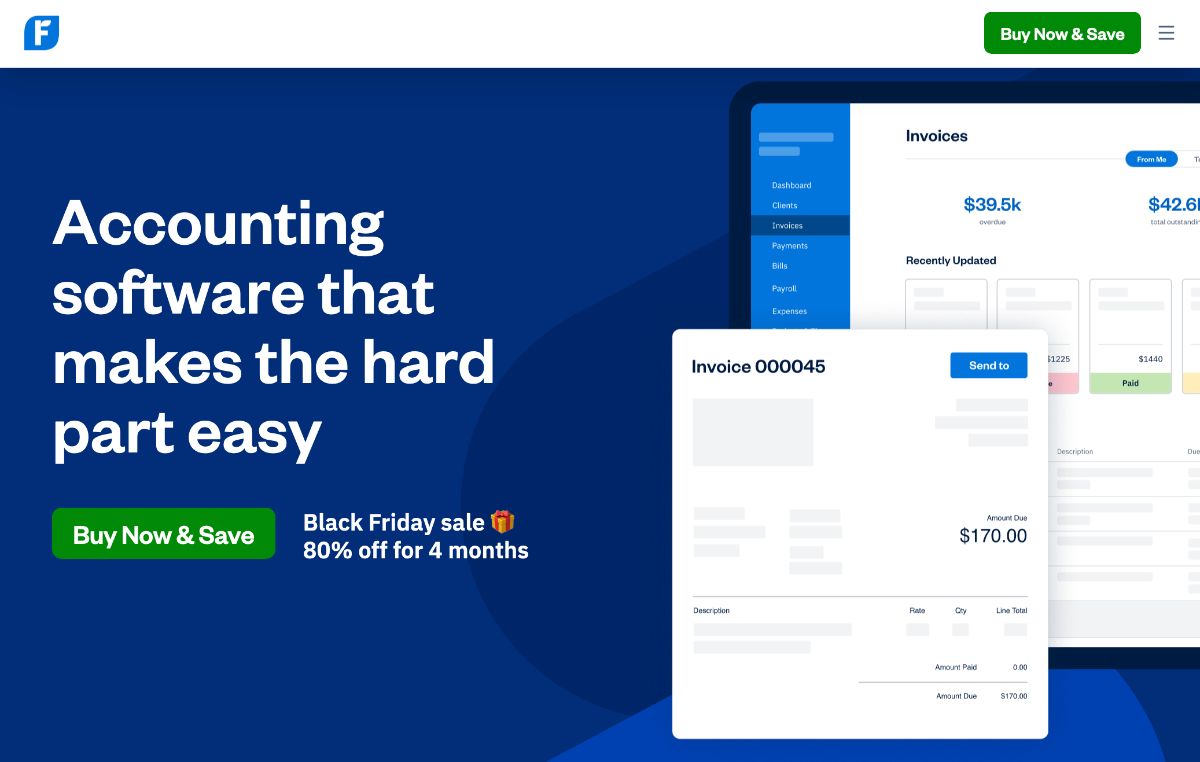
FreshBooks is a billing and invoicing tool that tends to appeal to small businesses that want invoicing, expense tracking, and payments done well, without a heavy CRM.
If you like FreshBooks but want a more complete portal experience for clients to message, upload, and sign, Foyer is a strong FreshBooks companion or alternative for the portal layer.
Why teams choose FreshBooks
• Strong invoicing and billing focus
• Large review volume on Capterra
• Good fit for businesses where billing is the main workflow
Best for
• Service businesses that primarily need invoicing, expenses, and payments
• Teams that do not want a full business suite
Watch outs
• If you want a full client portal with messaging, file sharing, and signing, you may need an additional portal tool
Reviews: See verified user reviews on Capterra: FreshBooks reviews on Capterra (4.5 Stars).
Key Features to Look For in a HoneyBook Alternative
When you are comparing HoneyBook competitors, it helps to zoom out and pick the features that will actually change your day to day workflow. Here are the top things most teams should look for.
• Customizable workflows that match how you sell and deliver, plus simple automation for reminders and follow ups
• Scheduling with a booking link clients can use, plus calendar sync so availability stays accurate
• Online contracts and E signatures with a smooth signing flow and an audit trail
• Invoicing and payments that support deposits, payment schedules, and multiple payment options
• Client portal where clients can find messages, files, invoices, and signatures in one place
• File sharing and uploads so clients can send documents without email attachments
• Automation that removes busy work, like automatic nudges for invoices, forms, and approvals
• Security basics like encryption, role based access, and clear permission controls
• Integrations with email, calendars, and accounting tools so you do not re enter data
• Scalability and pricing that still makes sense when you add team members
• Support and onboarding with a real help center and fast responses when you hit a blocker
Conclusion
HoneyBook is a solid option, but it is not the only way to run your client workflow. The best HoneyBook alternative depends on what you value most: a client portal people want to actually use, smoother signing, better automation, or simpler pricing.
If you want a portal first experience, start by shortlisting tools that treat the client portal as the main product, not a side feature. Then run a quick test: invite one real client, send one file, request one signature, and collect one payment. You will learn more in 20 minutes than you will from a feature checklist.
If you are leaning toward a clean, modern portal experience, Foyer is worth a look. It is designed around secure file sharing, messaging, branding, and E signatures in one place, without the setup feeling like a full blown systems project.