
Top 10 Assembly alternatives for client portals (Copilot rebrand)


If you are comparing client portal tools, there is a good chance Assembly is on your shortlist. You might also know it by its old name, Copilot. The company rebranded to Assembly in late September 2025 after the word “Copilot” started showing up everywhere, especially in the Microsoft and GitHub worlds.
Assembly is a strong option for many professional service businesses, but it is not the best fit for everyone. That is why people end up searching for Assembly alternatives or Copilot alternatives. In most cases, they are looking for simpler pricing, more control over branding, or a portal experience that matches a specific workflow, like selling services through a catalog, running structured onboarding, or handling sensitive documents with stricter permissions.
This guide walks through popular alternatives, what each tool is best at, and the tradeoffs to watch for. If you want a quick baseline first, read what is a client portal to understand the core features most teams expect.
Top Picks at a Glance
- Foyer: Best overall if you want modern client portal features that is fast to launch and easy for clients to use.
- Zendo: Best if you sell productized services and want a service catalog style flow.
- SuiteDash: Best if you want an all in one system with portal, CRM, invoicing, and automation.
- HoneyBook: Best for simple proposals, contracts, and payments for small teams.
- Dubsado: Best if you want highly customizable forms and workflows and do not mind a learning curve.
Here is the full comparison if you want to scan all options at once:
Tool | Best for | Why it wins | Watch outs |
|---|---|---|---|
Foyer | Most service businesses | Portal first, easy client experience | Not a storefront first system |
Zendo | Productized services | Service catalog style delivery | Less focus on deep portal permissions |
SuiteDash | All in one back office | Wide feature coverage | Setup can take time |
HoneyBook | Small teams, solo operators | Proposals, contracts, payments | Not built for complex permissions |
Dubsado | Custom workflows | Flexible intake and automation | Learning curve |
SmartVault | Accounting and finance | Document heavy client exchange | Less chat first portal feel |
Onehub | Secure document workspaces | Data room style access control | Permissions can be complex |
Clinked | Permission sensitive teams | Granular access and collaboration | Less built for selling services |
Agency Handy | Agency delivery tracking | Projects plus client management | Smaller review footprint |
FuseBase | Portal plus knowledge | Workspace plus client facing hubs | More flexible than simple, can take setup |
1. Foyer (best overall alternative to Assembly)
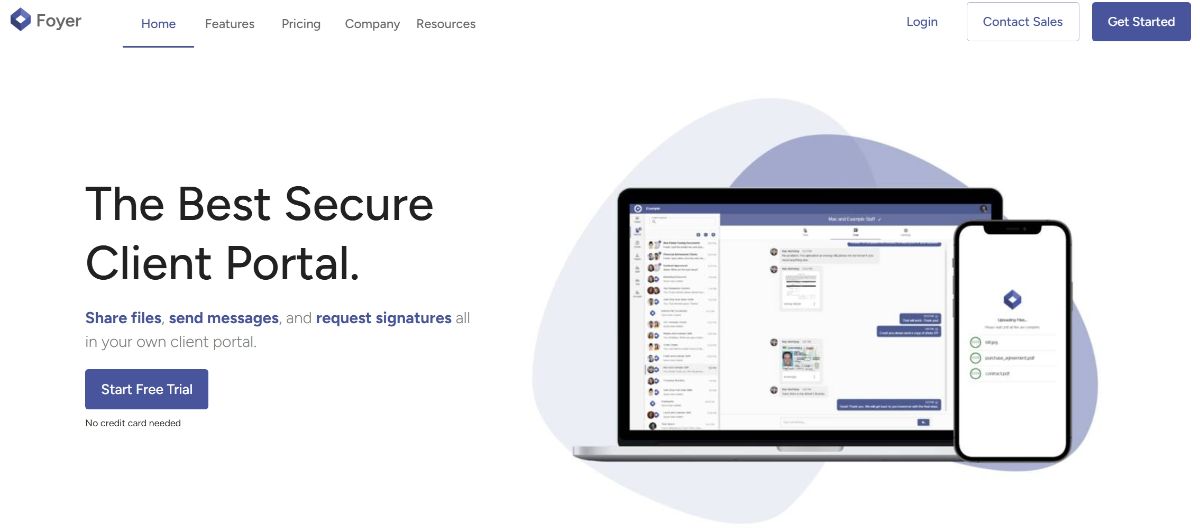
Foyer is a client portal tool that tends to appeal to teams that want a clean, modern portal experience that is easy for clients to adopt.
If you like Assembly but want a portal that is more portal first and less “everything bundled together”, Foyer is a strong Assembly alternative. It focuses on the core experience: secure file sharing, messaging, branding, and e signatures, without making setup feel like a huge project. Foyer also highlights encryption in transit and at rest, plus DocuSign for signing workflows.
Why teams choose Foyer
• Simple pricing, with a plan called out at $19 per internal user per month
• Secure by default, including encryption in transit and at rest
• Custom white label client portal branding with your logo and colors
• Built in DocuSign integration for e signatures
• A clear definition of what a portal should include, like chat, uploads, and signing
Best for
• Service businesses that want a portal that clients will actually use
• Teams that care about branding and a smooth client login experience
• Firms that want secure file sharing plus messaging plus signing in one place
Watch outs
• If your main goal is selling productized services through a storefront flow, a tool like Zendo may fit that specific motion better
Reviews: See verified user reviews on Capterra: Foyer reviews on Capterra (5 Stars). If you want a broader market view first, this roundup is a good starting point: Top 10 best client portal software.
2. Zendo (best if you sell services like a storefront)

Zendo is a client portal tool that tends to appeal to agencies and service businesses that want clients to buy services through a service catalog style experience.
If you are leaving Assembly because you want a more flexible way to sell services, add ons, and subscriptions through your portal, Zendo is one of the more common alternatives people look at. Zendo positions its portal around ordering and service delivery, not just messaging and files.
Why teams choose Zendo
• Service catalog approach that feels closer to a storefront
• Built for productized services and recurring service flows
• Automation and workflows are part of the pitch
• Good fit if you want clients to initiate work by purchasing
Best for
• Productized service agencies
• Teams that want a catalog plus portal in one system
Watch outs
• Capterra shows a very small review sample, so take the star rating with that context
• Some users mention limited design capabilities and tougher customization in review summaries
Reviews: See verified user feedback on Capterra here: Zendo reviews on Capterra (5.0 stars, 1 review).
3. SuiteDash (best all in one back office style portal)
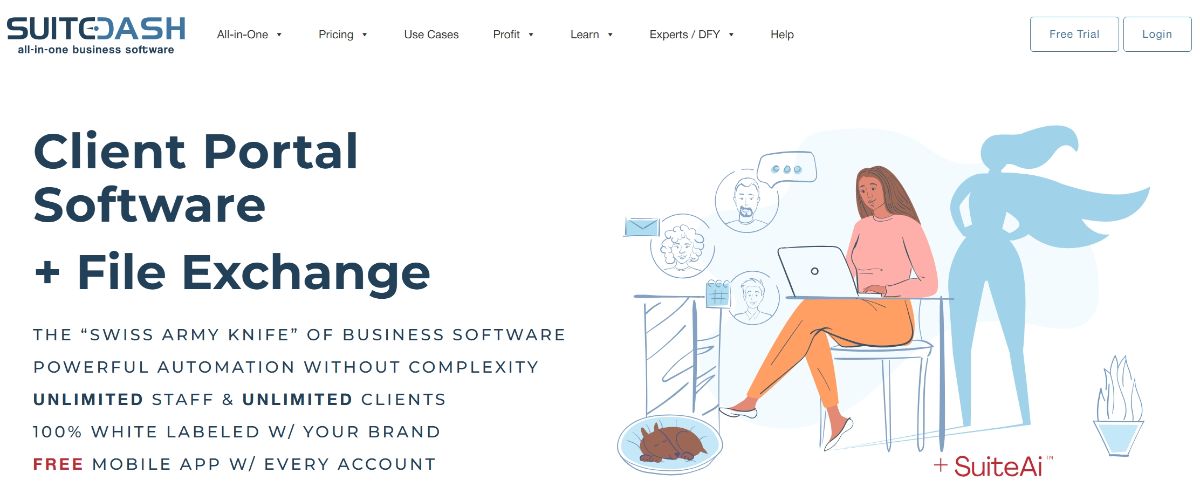
SuiteDash is a client portal tool that tends to appeal to teams that want a big all in one system: portal, CRM, invoicing, and more.
If you are switching from Assembly because you want to consolidate a lot of tools into one suite, SuiteDash is often shortlisted. Reviews frequently describe it as very versatile, and the Capterra listing places it among high rated portal products.
Why teams choose SuiteDash
• Broad all in one feature set for client management
• Strong customization options for branded portals, based on user reviews
• A common replacement when teams outgrow a simpler portal
Best for
• Firms that want portal plus CRM style features under one roof
• Teams comfortable investing time in setup to get a custom system
Watch outs
• As with most suites, setup can take time, and some people compare it to a “build your own system” experience
• If you want a simpler portal first experience, Foyer may feel lighter
Reviews: See verified user feedback on Capterra here: SuiteDash reviews on Capterra (4.9 stars, 608 reviews).
4. HoneyBook (best for proposals, contracts, and payments)

HoneyBook is a client portal tool that tends to appeal to solo operators and small service businesses that want proposals, contracts, invoices, and payments in a single flow.
If you are leaving Assembly because you care more about lead to paid automation than a deep portal workspace, HoneyBook is a common “copilot alternative” people consider in the services space. It is especially popular for photographers, consultants, and small teams that want a polished client experience around booking and billing.
Why teams choose HoneyBook
• Strong end to end flow from proposal to contract to invoice
• Automation and templates for a smoother admin process
• High review volume on Capterra compared to many niche portal tools
Best for
• Solo businesses and small teams
• Service providers who want sales pipeline plus billing more than a file heavy portal
Watch outs
• If you need strict permissions across many client workspaces, a portal first tool like Foyer, Clinked, Onehub, or SmartVault may fit better
Reviews: See verified user feedback on Capterra here: Honeybook reviews on Capterra (4.7 stars, 671 reviews).
5. Dubsado (best for highly customizable forms and workflows)

Dubsado is a client portal tool that tends to appeal to service businesses that want deeper customization around forms, workflows, and client intake.
If you are leaving Assembly because you want more control over how your client process looks and runs, Dubsado is a popular alternative. People often compare Dubsado and HoneyBook directly, since both aim to cover the client lifecycle from intake through billing.
Why teams choose Dubsado
• Workflow and automation focus for client onboarding and delivery
• Can replace multiple tools for proposals, invoices, and basic CRM tasks
• Good for teams that want lots of templates and customization knobs
Best for
• Boutique agencies and freelancers who want custom intake and automation
• Teams that want a flexible system and do not mind learning it
Watch outs
• Reviews mention a learning curve and some clunky areas like scheduling or form design
• If your goal is a simple portal experience with minimal setup, you may prefer a portal first platform like Foyer
Reviews: See verified user feedback on Capterra here: Dubsado reviews on Capterra (4.2 stars, 59 reviews).
6. SmartVault (best for accounting and document heavy workflows)
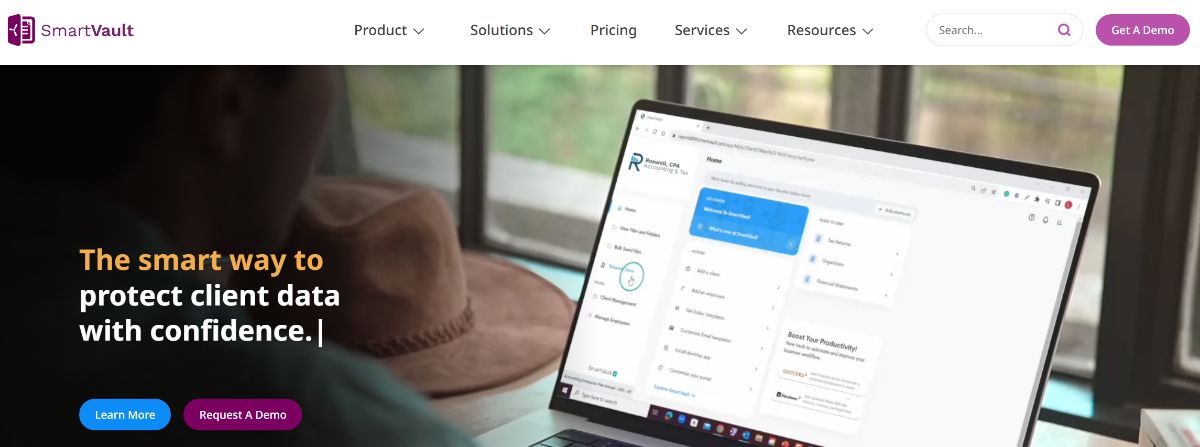
Smartvault is a client portal tool that tends to appeal to accounting firms and teams that live and breathe secure documents.
If you are leaving Assembly because your workflow is mostly document collection, storage, and sharing, SmartVault is a practical Assembly alternative. It shows up in many “best client portal” lists because it is built around documents first, with an emphasis on secure sharing for firms handling sensitive client data.
Why teams choose SmartVault
• Document management focus for sensitive client files
• A known name in accounting style portal workflows
• Straightforward portal value when the main job is secure document exchange
Best for
• Accounting, tax, and finance teams
• Firms that need a document portal more than a communication hub
Watch outs
• If you want a modern chat first portal feel, tools like Foyer may feel more “client experience first”
Reviews: See verified user feedback on Capterra here: Smartvault reviews on Capterra (4.3 stars, 136 reviews).
7. Onehub (best for data room style control)
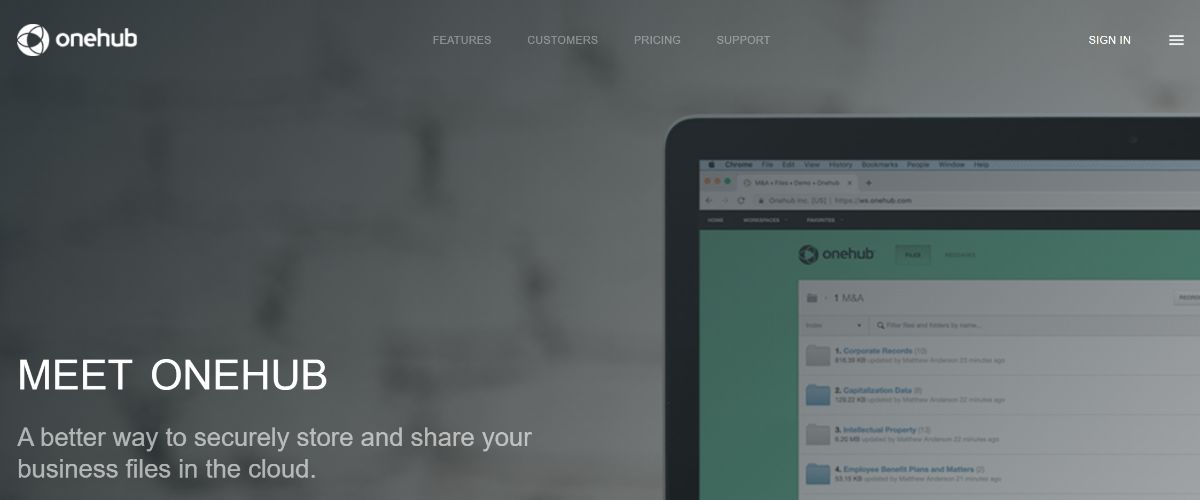
Onehub is a client portal tool that tends to appeal to teams that care a lot about file permissions, secure sharing, and a data room style experience.
If you work with sensitive client documents and want a portal that feels document first, Onehub is a reasonable alternative to Assembly. It is often considered when teams want structured workspaces, granular access control, and a controlled way to share files with clients and partners.
Why teams choose Onehub
• Granular control, role based permissions, and secure file sharing positioning
• Good fit for data room style sharing and client workspaces
• Often easier for pure document sharing than a complex suite
Best for
• Teams that need secure document workspaces
• Firms doing deals, audits, or partner sharing where access control matters
Watch outs
• Reviews mention that permissions can be confusing if you are not careful
• If your goal is a simple, modern portal experience with messaging plus signing, you may prefer a portal first platform like Foyer
Reviews: See verified user feedback on Capterra here: Onehub reviews on Capterra (4.6 stars, 40 reviews).
8. Clinked (best for secure collaboration and permissions)
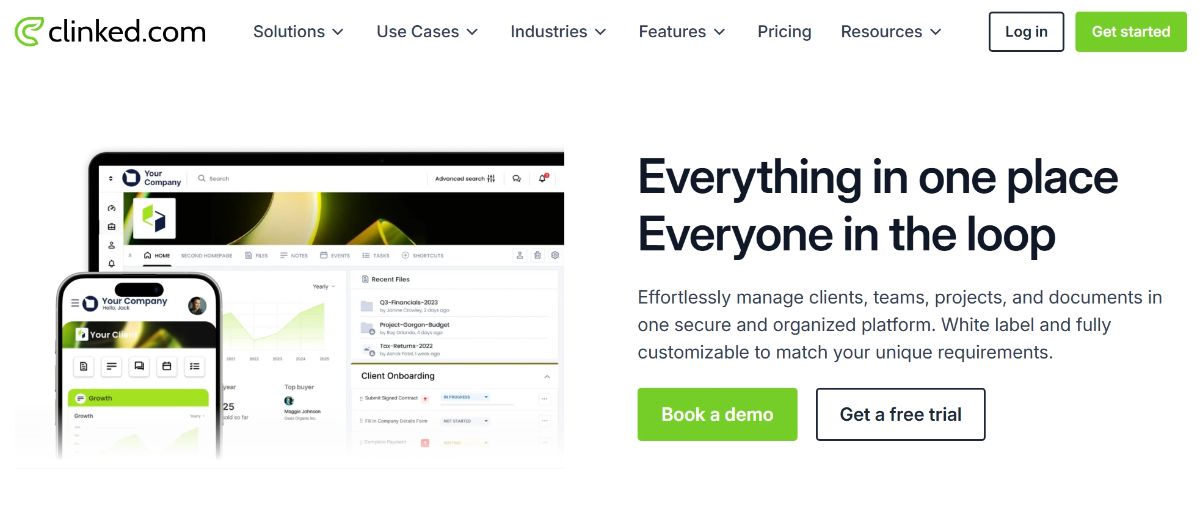
Clinked is a client portal tool that tends to appeal to teams that care a lot about permissions and secure collaboration.
If you work with sensitive client documents and want a portal that feels built for that, Clinked is a reasonable alternative to Assembly and Zendo. It is often considered when teams need more control over who can access what, especially across multiple client workspaces.
Why teams choose Clinked
• Strong focus on permissions and secure client collaboration
• Good for teams with strict access control needs
• Helpful if you manage multiple client workspaces with different requirements
• Makes sense for sensitive industries where security is a big deal
Best for
• Compliance sensitive teams
• Businesses that need granular permissions and secure spaces
• Firms handling sensitive documents across many clients
Watch outs
• Less focused on selling services through a storefront style flow
• If your goal is a simple, modern portal experience with minimal setup, you may prefer a portal first platform like Foyer
Reviews: See verified user feedback on Capterra here: Clinked reviews on Capterra (4.9 stars, 110 reviews).
9. Agency Handy (best for agencies that want projects plus billing)

Agency Handy is a client portal adjacent tool that tends to appeal to agencies that want projects, tasks, and billing tied together.
If you are leaving Assembly because you want something that feels more like an agency operations system than a portal first product, Agency Handy can be a workable alternative. It is positioned around managing client work, tasks, and delivery in one platform, which can reduce tool sprawl for small agencies.
Why teams choose Agency Handy
• Built for agency operations like projects and task management
• Often paired with Stripe style checkout workflows, per user reviews
• Helpful if you want delivery tracking tied closely to client management
Best for
• Small agencies that want a single system for client work tracking
• Teams that want something closer to an operations hub than a document portal
Watch outs
• Capterra shows a small review count, so treat the rating as early signal, not final proof
• Reviews mention limited mobile experience and no native apps as a downside
Reviews: See verified user feedback on Capterra here: Agency Handy reviews on Capterra (4.5 stars, 2 reviews).
10. FuseBase (best for portals plus knowledge plus collaboration)
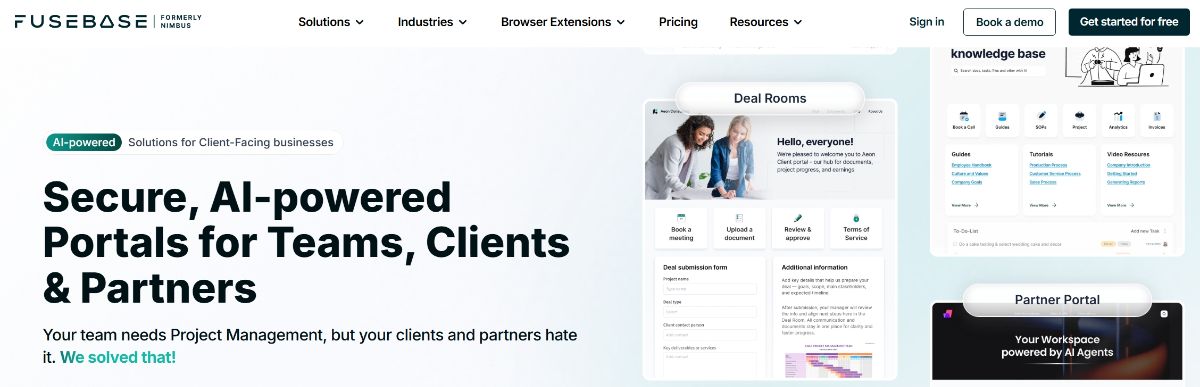
FuseBase is a client portal and collaboration tool that tends to appeal to teams that want portals, content, and internal collaboration in one workspace.
If you are leaving Assembly because you want a more flexible workspace that can act like a portal, a knowledge hub, and a collaboration layer, FuseBase is a reasonable alternative. It comes up often in portal comparisons because it can support client facing spaces, content organization, and project style collaboration in one place.
Why teams choose FuseBase
• Strong portal plus workspace positioning, according to user review summaries
• Useful if you want to combine knowledge, tasks, and client access
• Solid review base on Capterra
Best for
• Teams that want a portal plus knowledge base style structure
• Client facing businesses that need more than file sharing but less than a full CRM suite
Watch outs
• If you want the simplest possible client portal with minimal setup, a portal first tool like Foyer may feel more direct
Reviews: See verified user feedback on Capterra here: Fuse Base reviews on Capterra (4.7 stars, 175 reviews).
How to pick the right Assembly Copilot alternative
Here is the simplest way to choose without getting lost in feature lists:
- Decide your portal “center of gravity”
• If it is client experience plus secure sharing and signing, start with Foyer
• If it is selling services through a catalog, start with Zendo
• If it is all in one business suite, start with SuiteDash
• If it is document compliance and storage, start with SmartVault or Onehub - Look at branding requirements
Assembly itself is sometimes described as limited in branding and customization at lower tiers, so if branding is your top reason for switching, pay extra attention to that during trials. - Use reviews to sanity check
Ratings are not everything, but they help spot patterns like learning curve complaints, support issues, or limitations around permissions.
A quick note on the name “Copilot”
One thing that can trip people up is the word “Copilot”. It is also used for AI assistants from Microsoft and GitHub, so search results can get messy. Assembly changed its name partly to reduce that confusion and make it clearer that they are a client portal platform.
Bottom line
There is no perfect client portal for every team. But if you are a service business that wants a modern portal experience clients will actually use, and you want something that is portal first rather than overly complicated, Foyer is a strong place to start.
If you want to dig in a bit more before choosing, these two guides can help you narrow things down fast:
- best client portal software (market overview and comparisons)
- client portal development (build vs buy and what it takes)